
Security & Privacy

TraceMark

Renamed from AegisMark. Existing settings, layers and shortcut assignments are carried over.

TraceMark

macOS

TraceMark for macOS

Give your Mac desktop and saved screenshots a recognizable mark. TraceMark combines text, images, QR codes and live information in configurable watermark layers. Add a name, project label or timestamp, adjust the appearance, and decide when each layer is shown.

Available now Security & Privacy

What’s new in macOS 1.3

Requires macOS 26.0 or later.

TraceMark · macOS

Everything included

Key Features

TraceMark comes packed with everything you need to get more done.

  1. CREATE YOUR WATERMARK
  2. CONTROL WHERE IT APPEARS
  3. CREATE WATERMARKED SCREENSHOT COPIES
  4. LOCAL PROCESSING AND OPTIONAL PERMISSIONS
  5. SCREEN SHARING AND RECORDING

TraceMark

Details

TraceMark · CREATE YOUR WATERMARKTraceMark · CREATE YOUR WATERMARKTraceMark · CREATE YOUR WATERMARK

CREATE YOUR WATERMARK

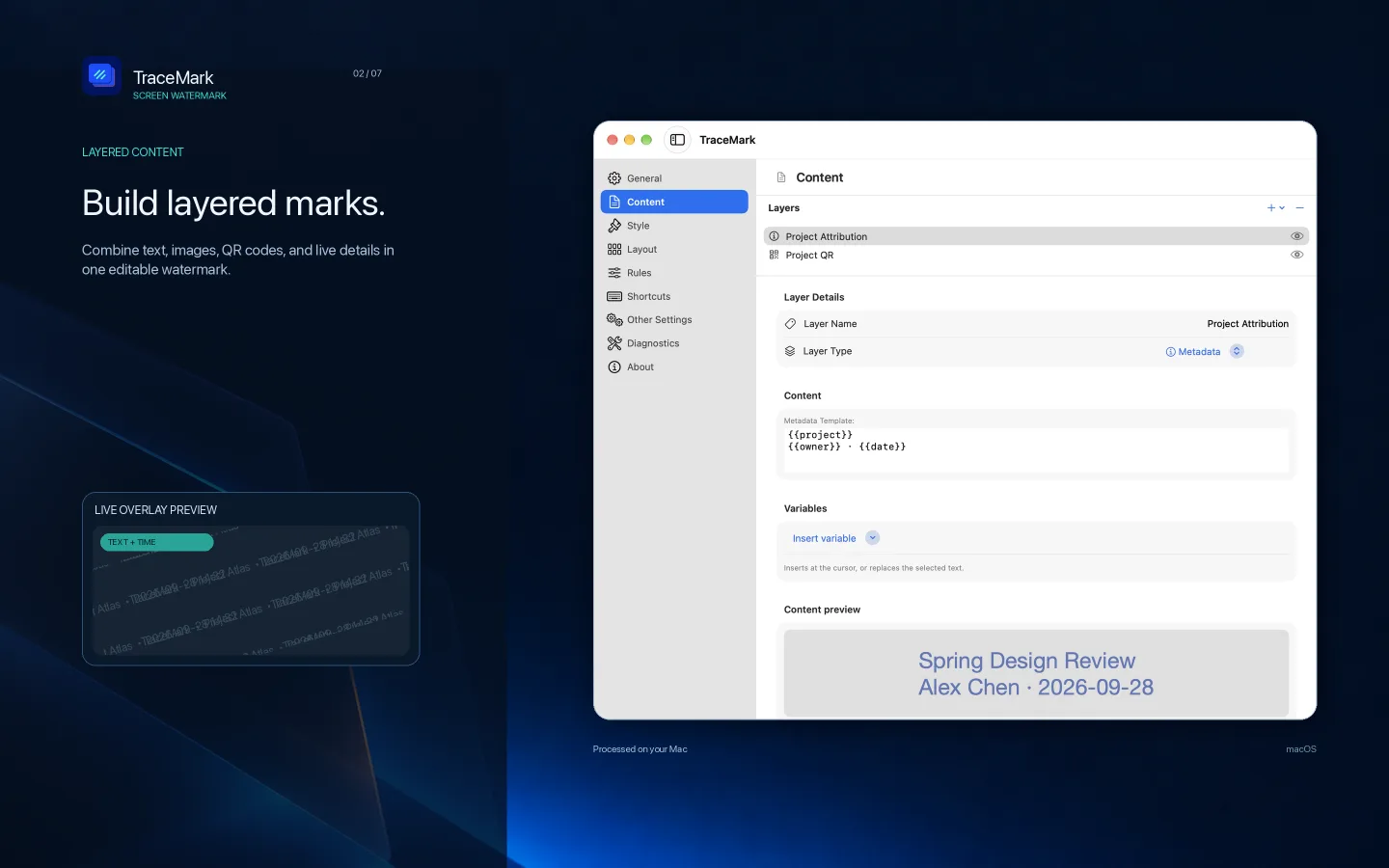
  • Combine multiple text, image and QR code layers.
  • Insert variables such as user name, device name, date, time and active app. Website information is available for supported browsers with Automation permission.
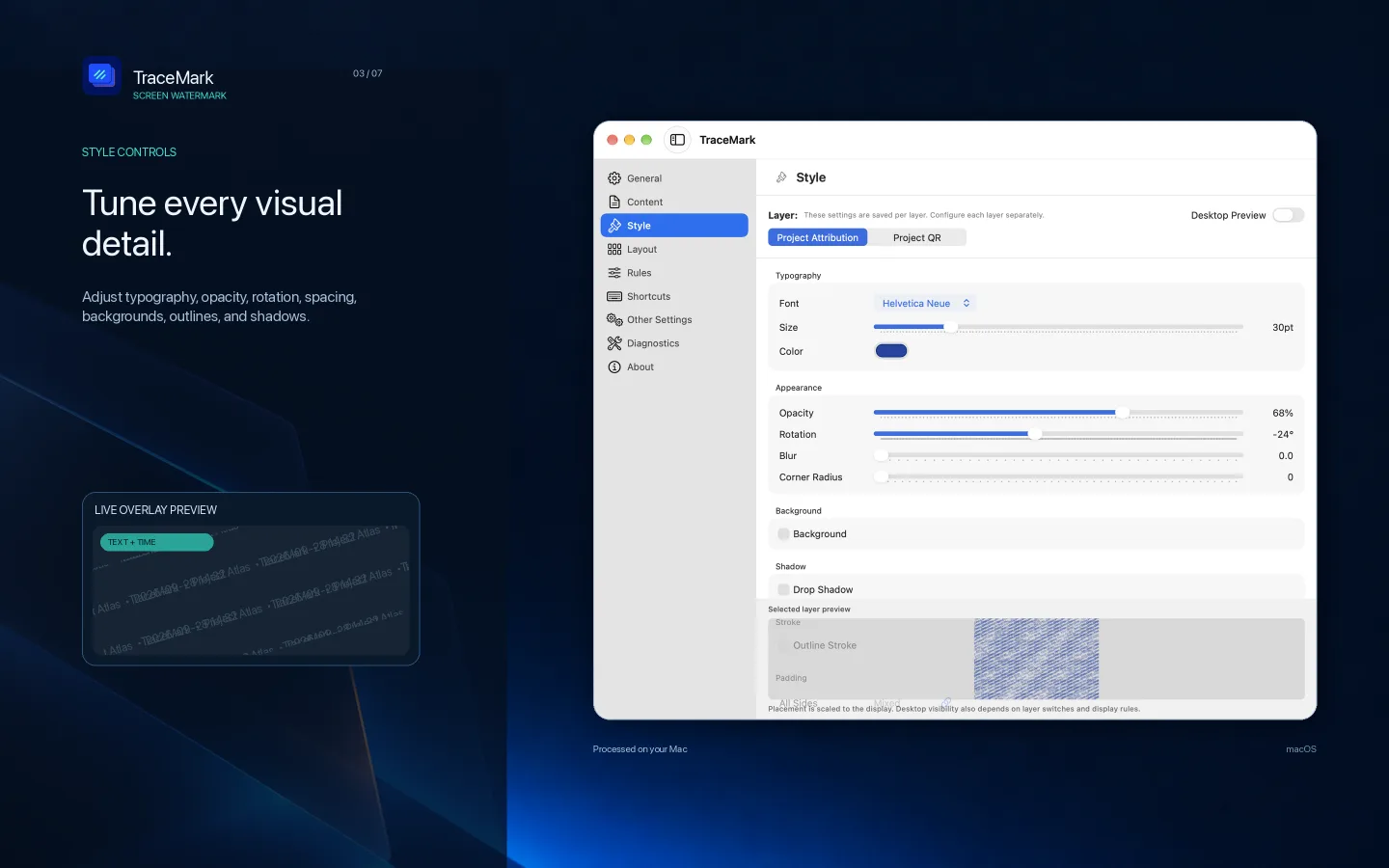
  • Adjust fonts, size, color, opacity, rotation, spacing, backgrounds, outlines and shadows.
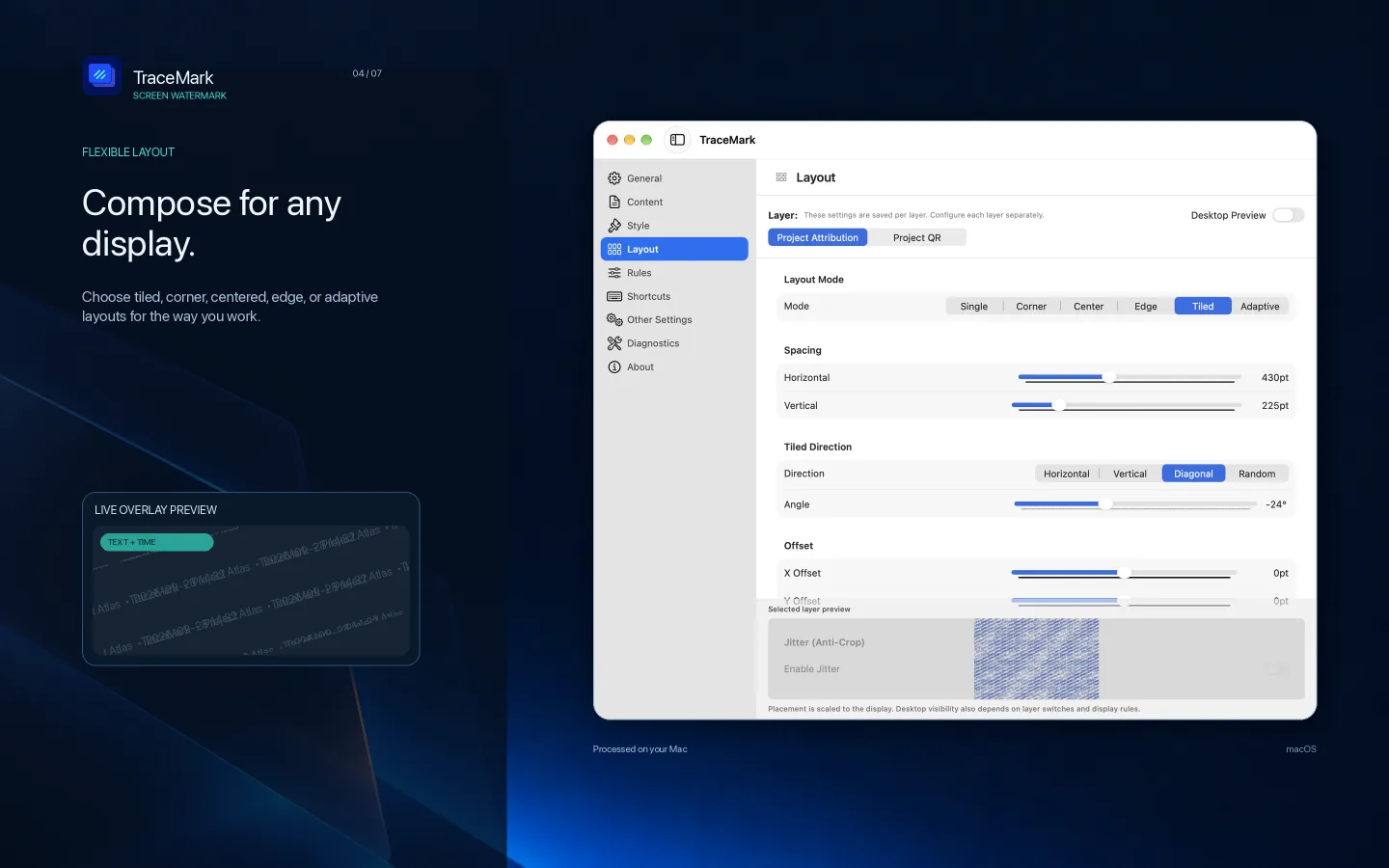
  • Choose tiled, corner, centered, edge and other layouts. Preview changes while editing.
TraceMark · CONTROL WHERE IT APPEARS

CONTROL WHERE IT APPEARS

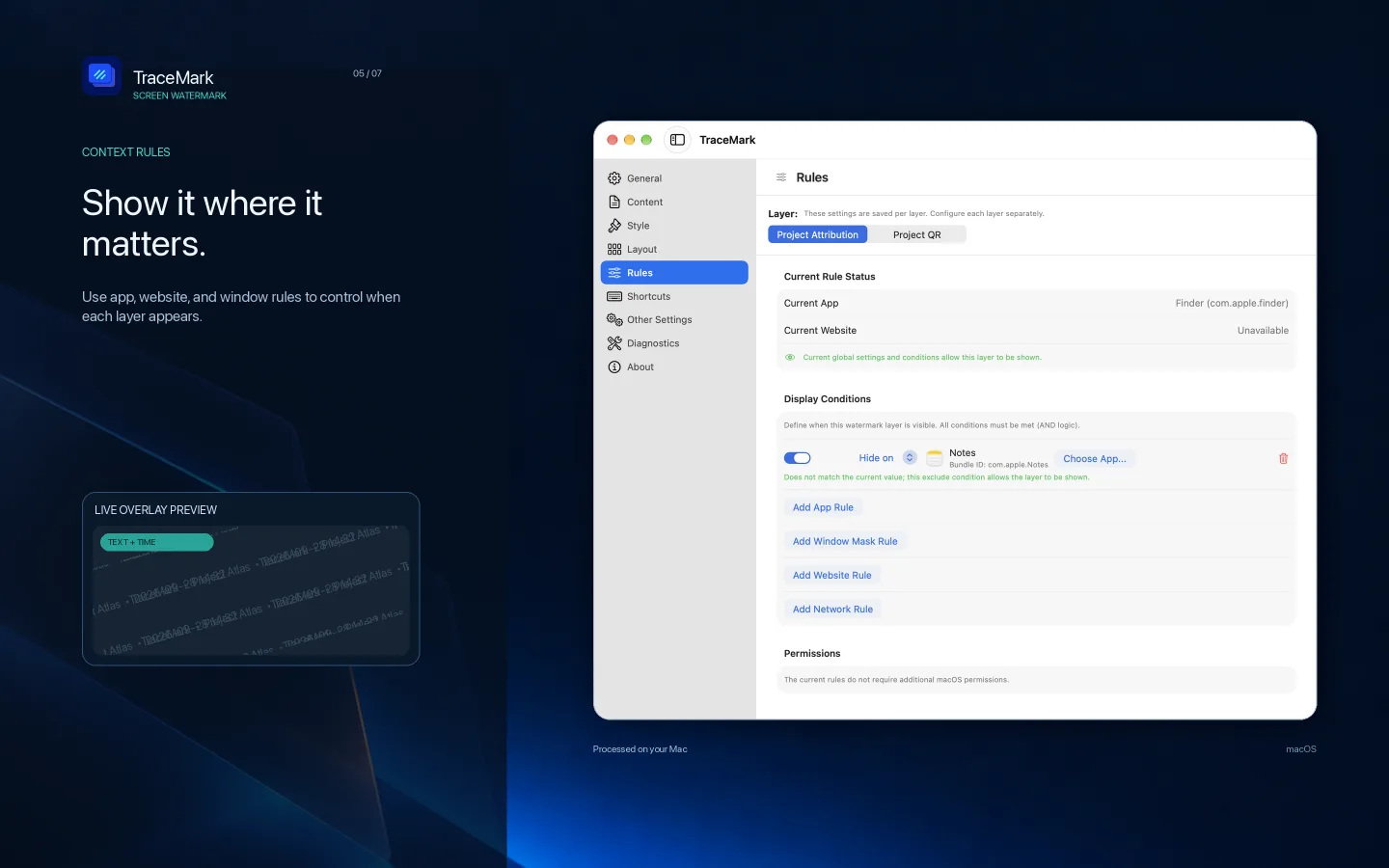
  • Show or hide layers using app and website rules.
  • See the current app or website context and why a condition matches or does not match.
  • Exclude selected app windows from watermark coverage.
  • Control watermark visibility for individual displays.
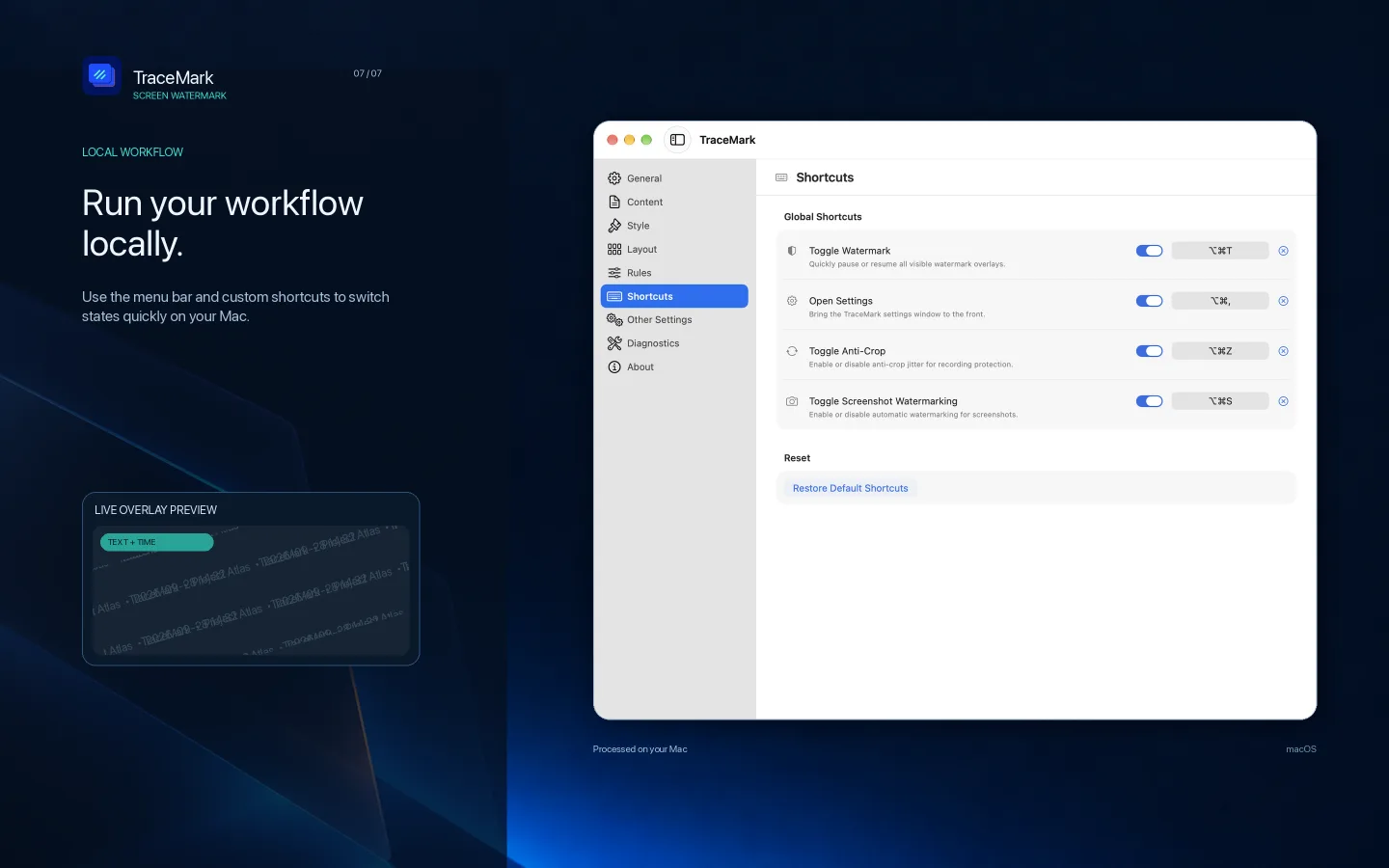
  • Switch features from the menu bar or with customizable keyboard shortcuts.
TraceMark · CREATE WATERMARKED SCREENSHOT COPIES

CREATE WATERMARKED SCREENSHOT COPIES

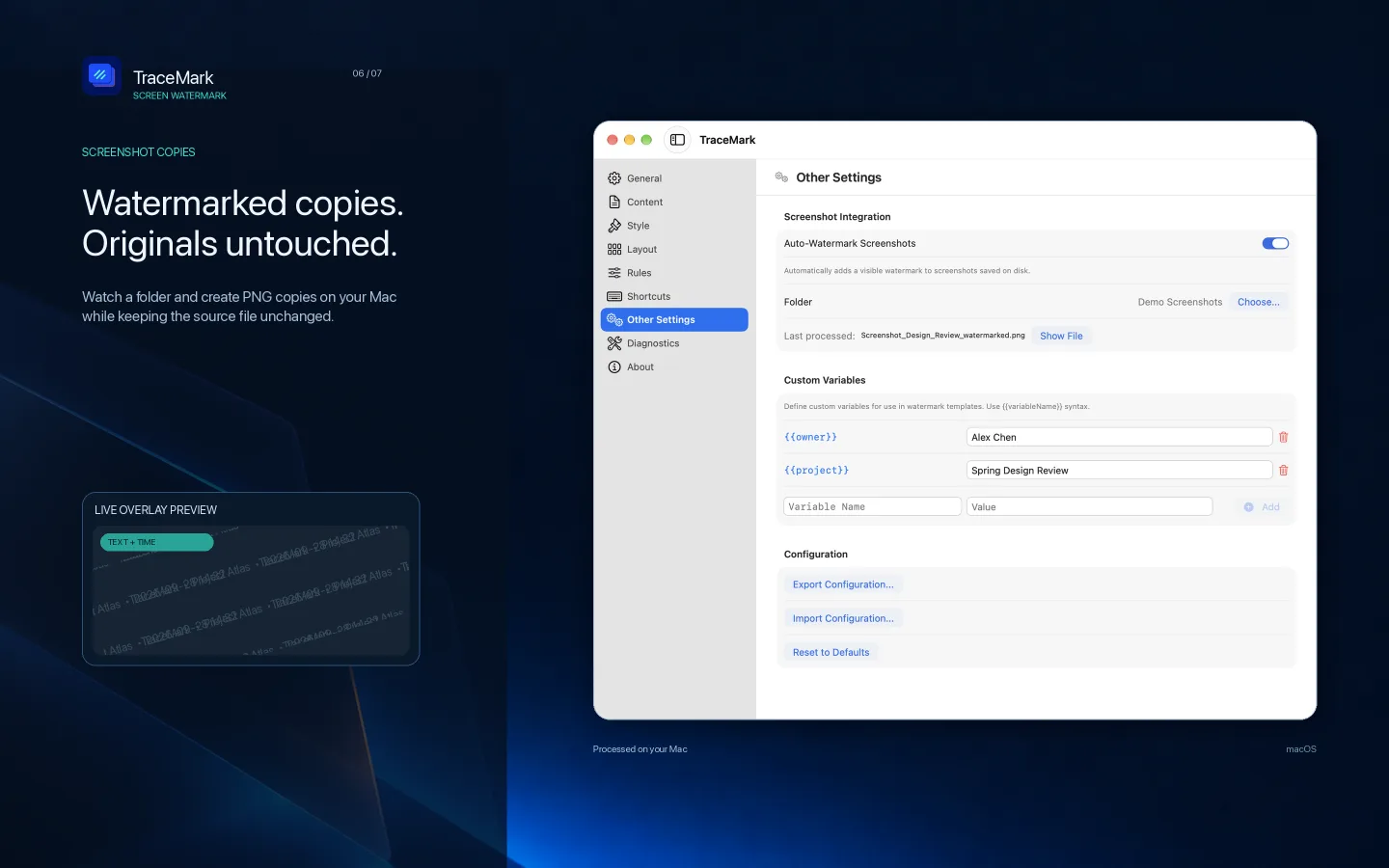
Enable screenshot processing for a folder you choose. TraceMark detects supported screenshot files and saves watermarked PNG copies while keeping the originals unchanged. View processing status and recent results, then retry failed items from settings.

TraceMark · LOCAL PROCESSING AND OPTIONAL PERMISSIONS

LOCAL PROCESSING AND OPTIONAL PERMISSIONS

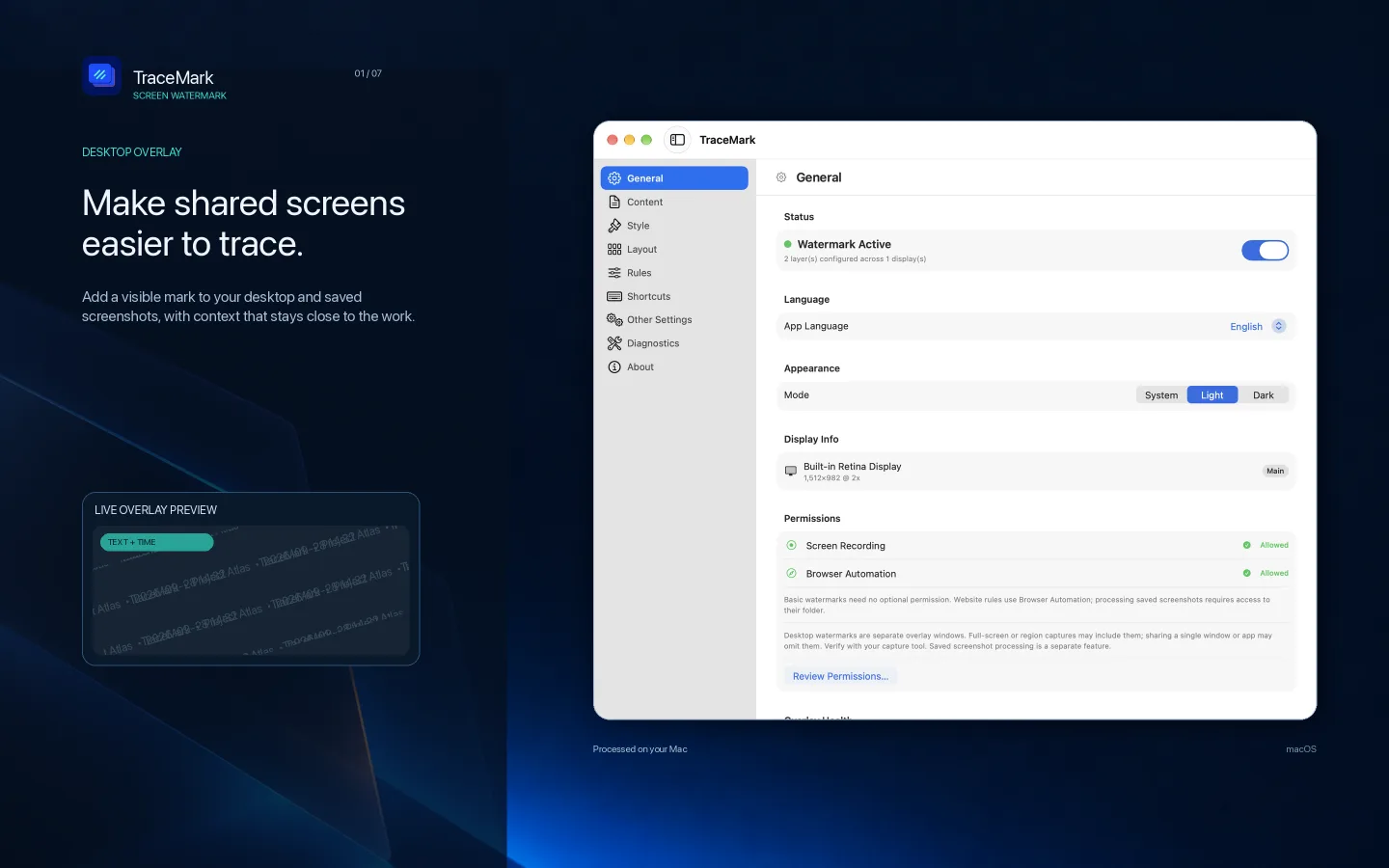
Watermark rendering and screenshot processing happen on your Mac. Basic desktop watermarks need no additional privacy permission. Website features use browser Automation permission; screenshot processing needs access to the folder you select.

SCREEN SHARING AND RECORDING

Desktop watermarks are separate overlay windows. Whether they appear in a capture depends on the tool and capture mode; single-window or app-only sharing may leave them out. Check your output before sharing. Watermarks do not prevent copying, cropping or removal. Use TraceMark to add visible attribution to presentations, demonstrations, training materials and everyday screenshot workflows.

Pricing

One-time purchase

Pay once. No subscriptions or in-app purchases. All features included.

US$1.99 one time

Ready to get TraceMark?

Choose your device and view the app on the App Store.