
Utilities

iShot Mini – Screenshot Editor for Mac & iPhone

Formerly ShotMini — the same app, now named iShot Mini.

iShot Mini

macOS

iShot Mini for macOS

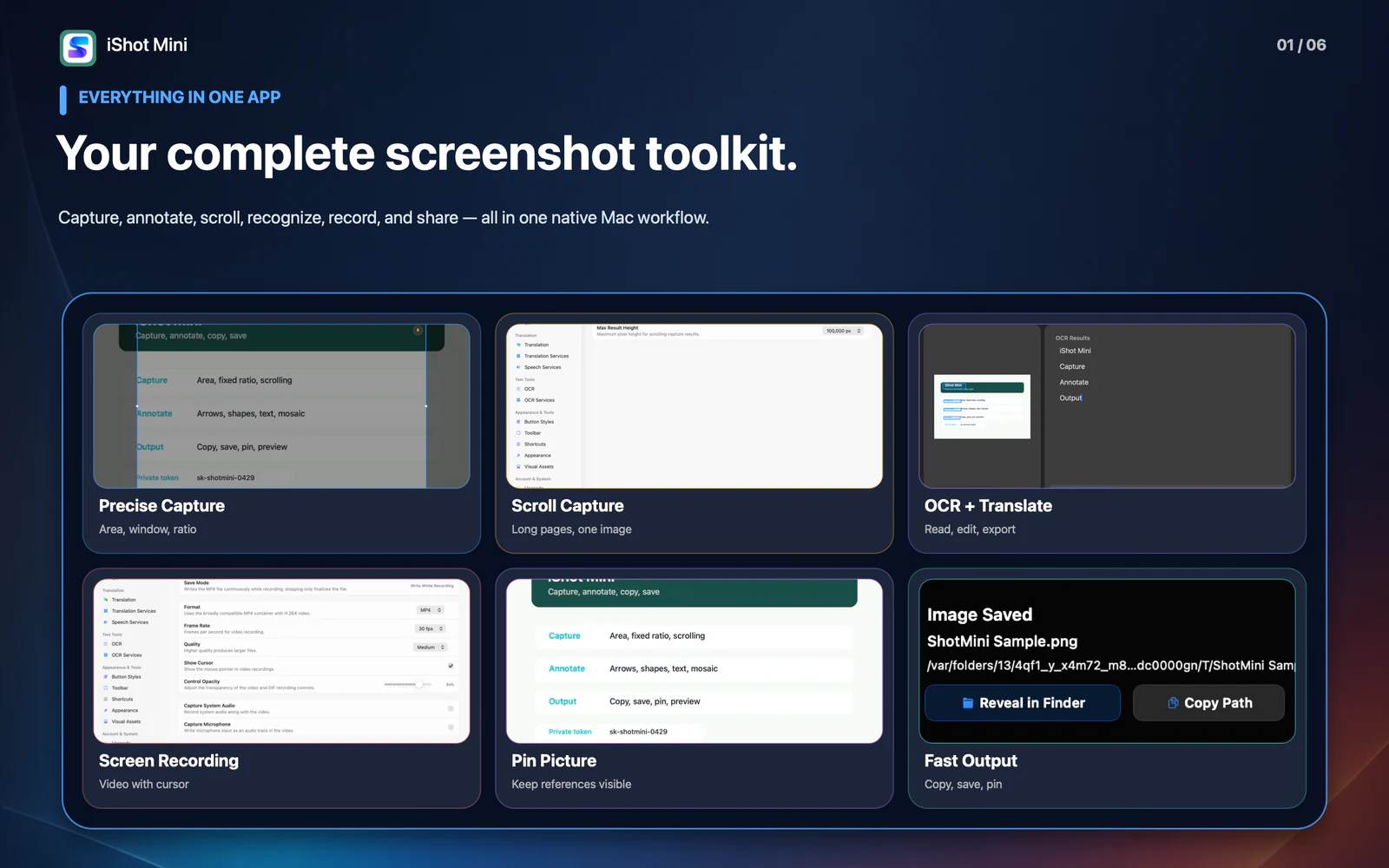
Capture, annotate, scroll, recognize, translate, search history, pin, and record in one native Mac workflow.

Available now Utilities

See what’s new in macOS 1.3

iShot Mini 1.3 complete screenshot toolkit on macOS

Everything included

Key Features

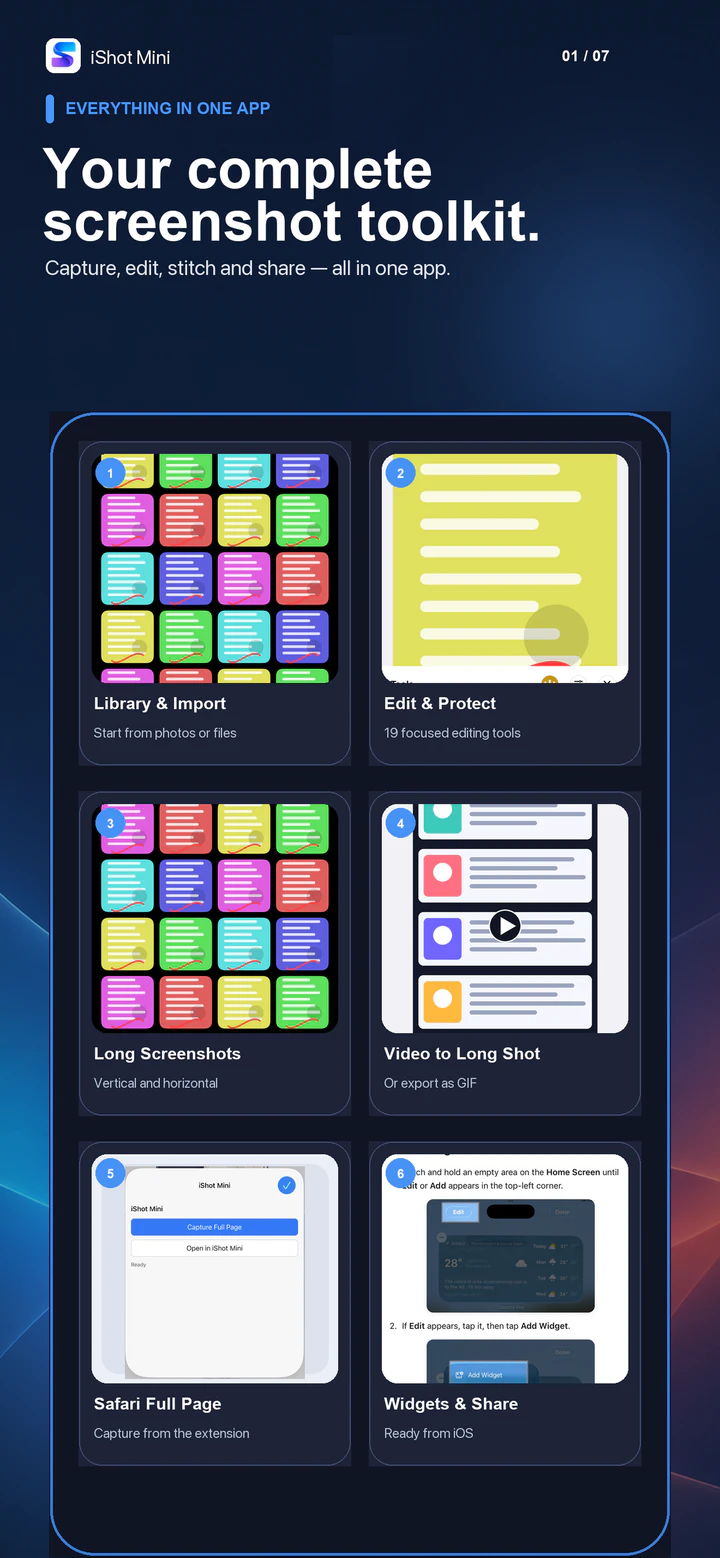
iShot Mini comes packed with everything you need to get more done.

  1. Capture areas, windows, and fixed-ratio selections with precision
  2. Annotate with arrows, rectangles, ellipses, text, highlights, mosaic, blur, numbered callouts, magnifiers, and more
  3. Capture long web pages and documents as complete scrolling images
  4. Recognize image text with OCR, then edit, copy, translate, or export the result
  5. Manage multiple OCR and translation services and choose the right option for each task
  6. Search text inside screenshot history, then reopen, pin, copy, or delete an item
  7. Pick colors continuously and capture useful values for design and annotation
  8. Pin images as always-on-top references, with oversized images fitted proportionally to the current display
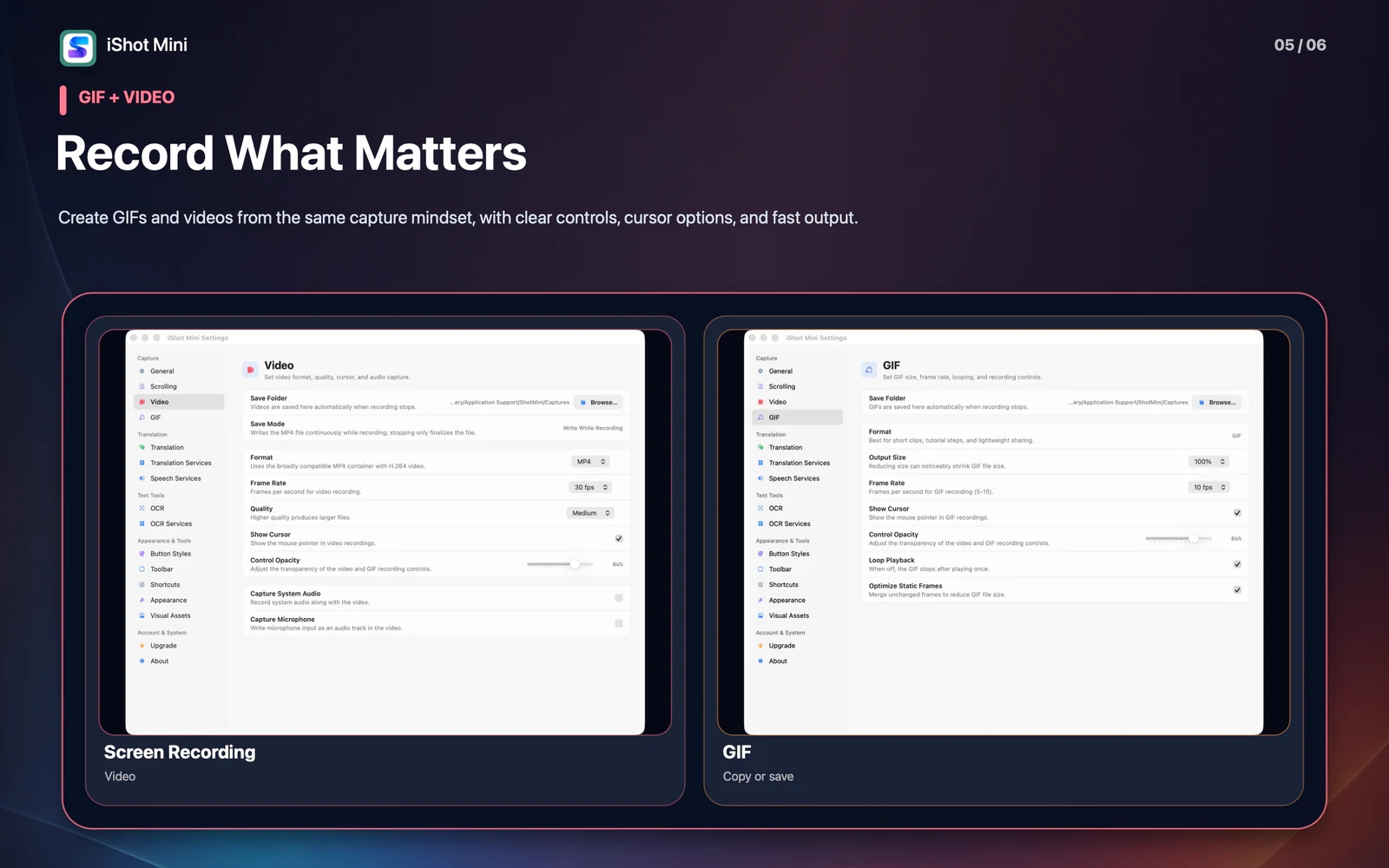
  9. Record GIFs or videos with controls for quality, frame rate, cursor, and audio
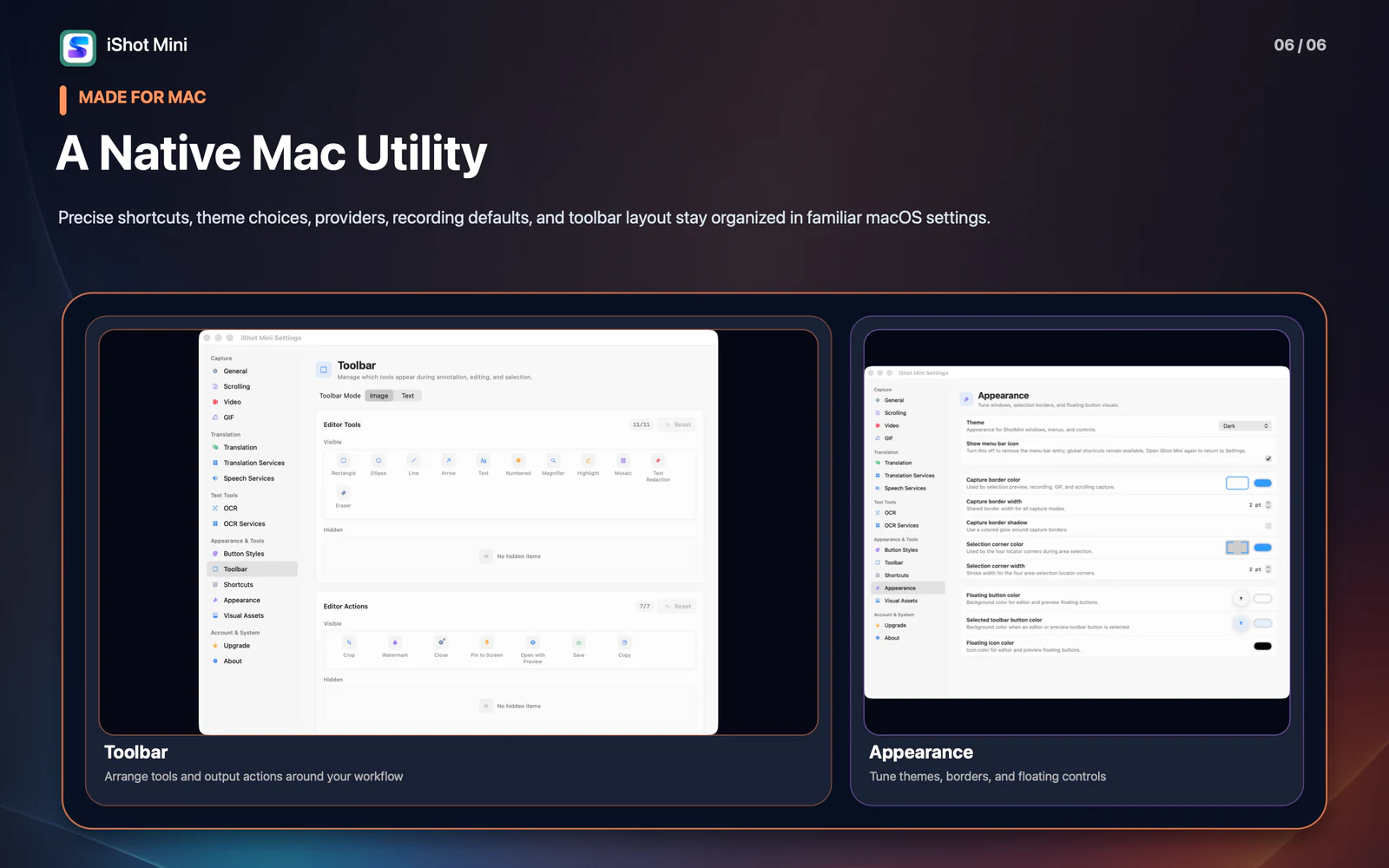
  10. Customize global shortcuts, toolbar layouts, themes, save locations, and output formats

iShot Mini

Details

iShot Mini 1.3 capture and annotation tools on macOS

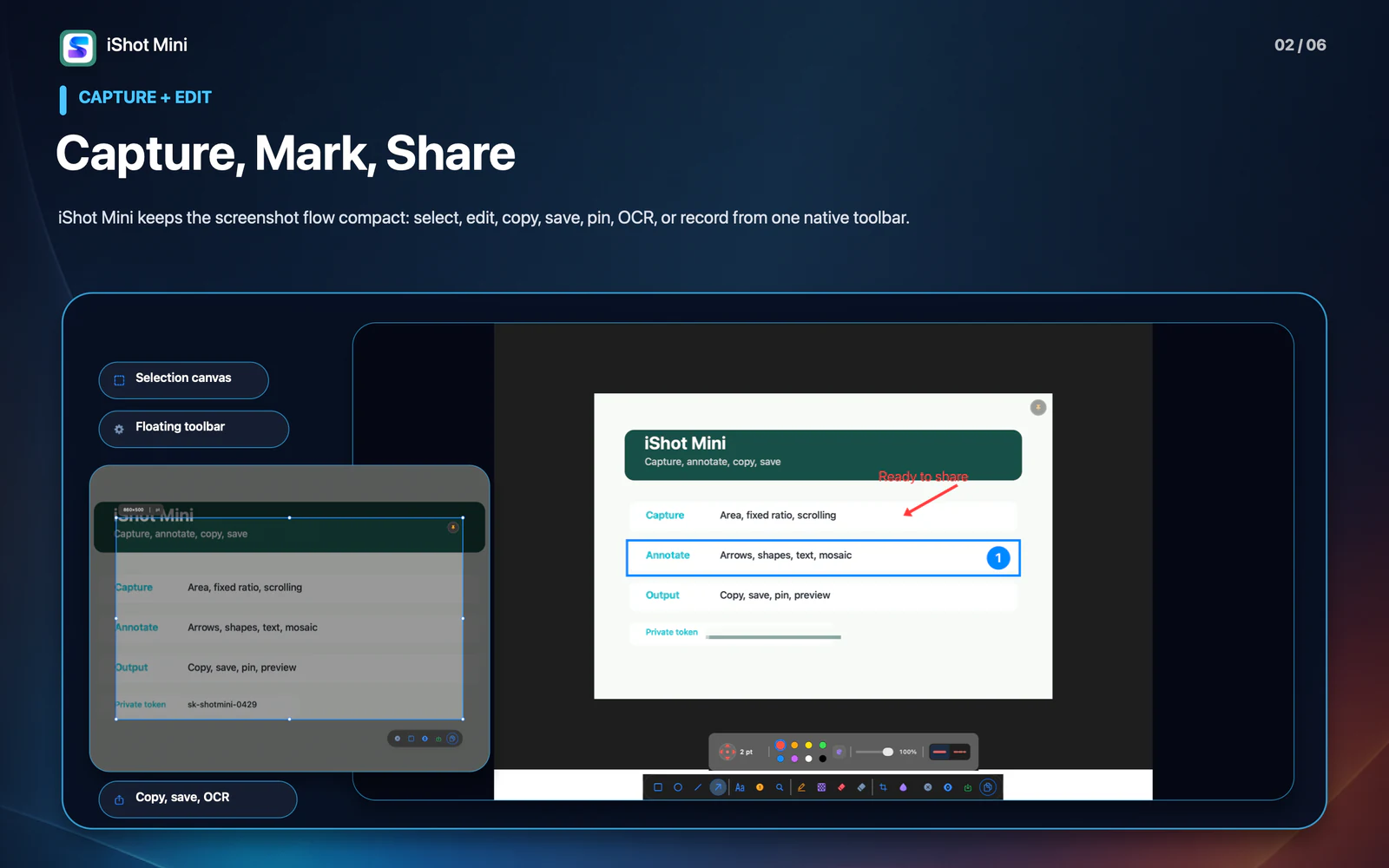
Capture, Mark, and Share

Capture areas, windows, and fixed-ratio selections with precision, then annotate with arrows, shapes, text, highlights, mosaic, blur, numbered callouts, magnifiers, and more. Copy, save, pin, recognize, translate, or record without leaving the compact native workflow.
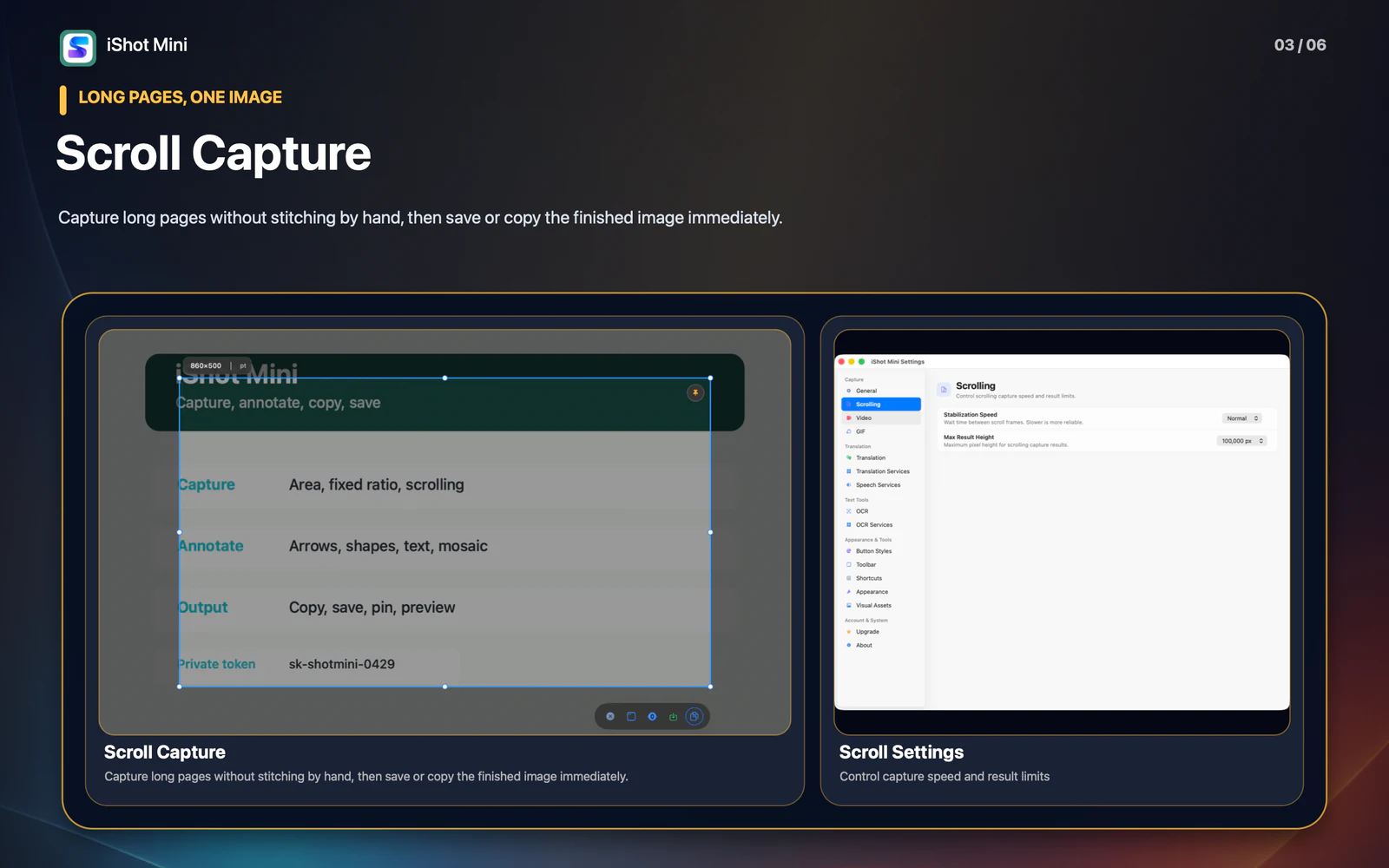
iShot Mini 1.3 scroll capture on macOS

Scroll Capture

Capture long web pages, documents, or chat threads as one complete scrolling image, then save or copy the finished result immediately.

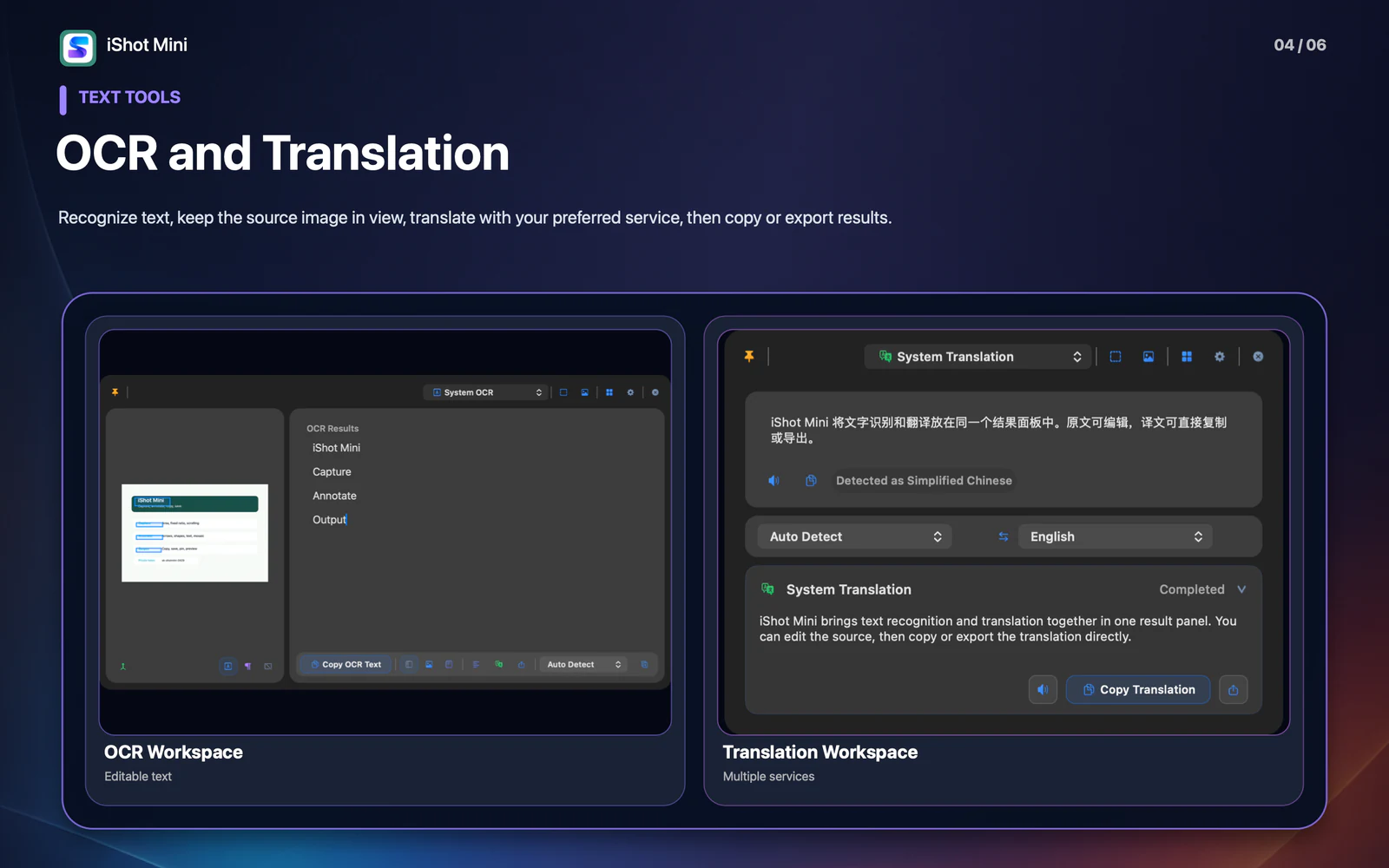
iShot Mini 1.3 OCR and translation workspaces on macOS

OCR, Translation, and Searchable History

Recognize screenshot text with OCR, edit or copy the result, translate it with your preferred service, and export when needed. Search text inside saved screenshots to reopen, pin, copy, or delete an item directly from History.

iShot Mini 1.3 GIF and screen recording settings on macOS

Recording, Pinning, and Fast Output

Record GIFs or screen videos with controls for quality, frame rate, cursor, and audio. Pin images as always-on-top references, fit oversized images to the display, and pick colors continuously for design and annotation work.

iShot Mini 1.3 native toolbar and appearance preferences on macOS

A Native Mac Utility

Customize global shortcuts, themes, toolbar layouts, save locations, output formats, recording defaults, and OCR or translation services in familiar native macOS settings.

Pricing

Simple, transparent pricing

Choose the option that fits your workflow. App Store purchases are tied to your Apple ID.

Monthly
$0.99
/month
6-Month
$3.99
/6mo
Annual
$5.99
/year
Lifetime
$9.99

Ready to try iShot Mini?

Choose your device and start using the app today.