Productivity

HideDesk - Screen Privacy for Calls, Recording, and Sharing

HideDesk

macOS

HideDesk for macOS

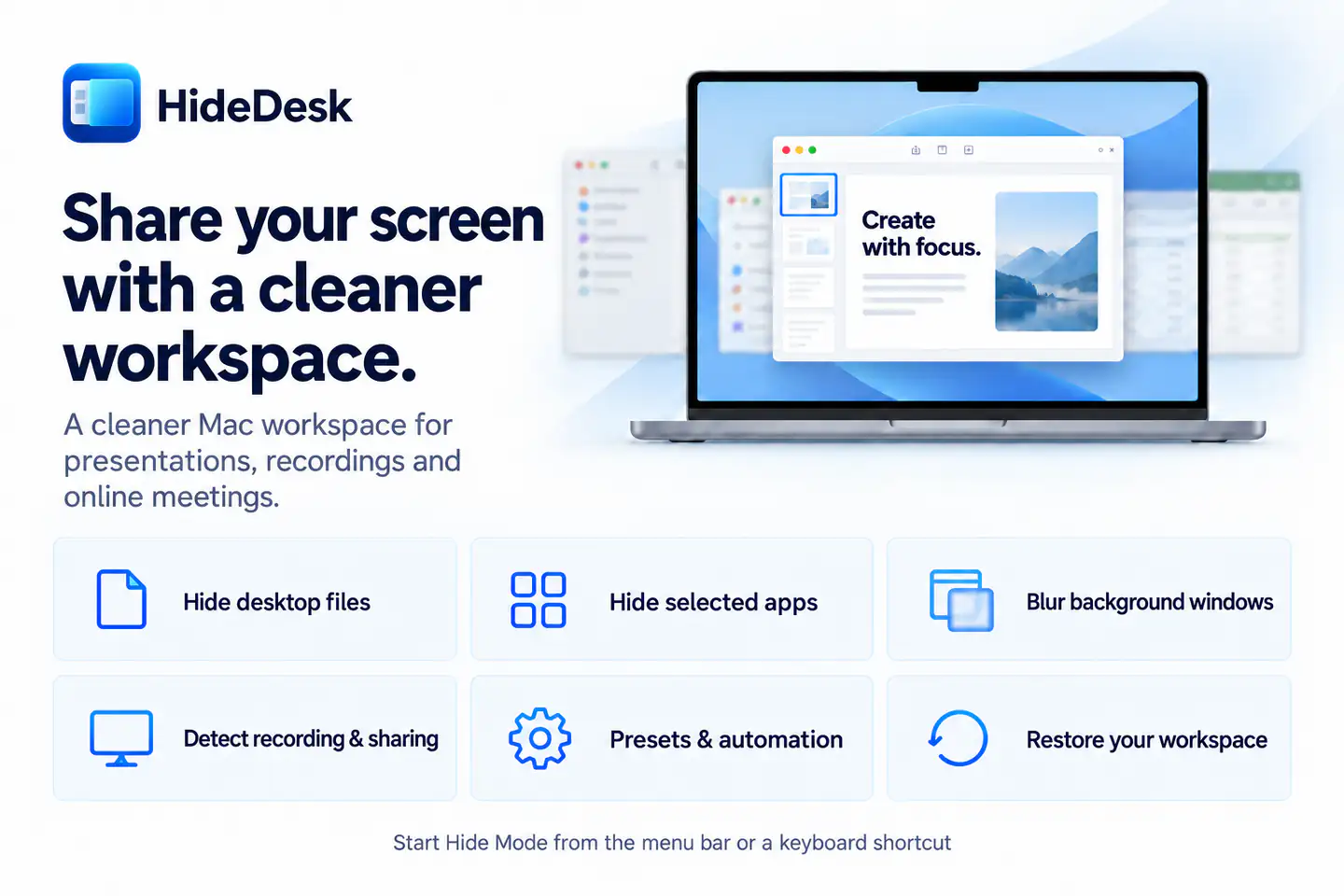
Cover desktop files, tuck away the Dock, protect app windows and notifications, or let optional local detection start Hide Mode when sharing begins.

Available now Productivity

See what’s new in macOS 1.1

Requires macOS 14.6 or later.

HideDesk 1.1 protection controls for desktop files, the Dock, notifications, and app windows

Everything included

Key Features

HideDesk comes packed with everything you need to get more done.

  1. Start Hide Mode from the menu bar or a customizable global shortcut
  2. Cover desktop files on selected displays without moving them
  3. Tuck away the Dock with temporary auto-hide
  4. Blur visible windows or hide selected apps with include and exclude controls
  5. Quiet notifications with user-approved Do Not Disturb shortcuts
  6. Optionally detect supported recording and screen-sharing activity locally
  7. Build automation rules for manual, recording, sharing, or meeting triggers
  8. Save presets and tune protection behavior for multiple displays
  9. Restore supported workspace state when Hide Mode ends or after an unexpected quit
  10. Use System, Light, or Dark appearance in English, Chinese, or Japanese

HideDesk

Details

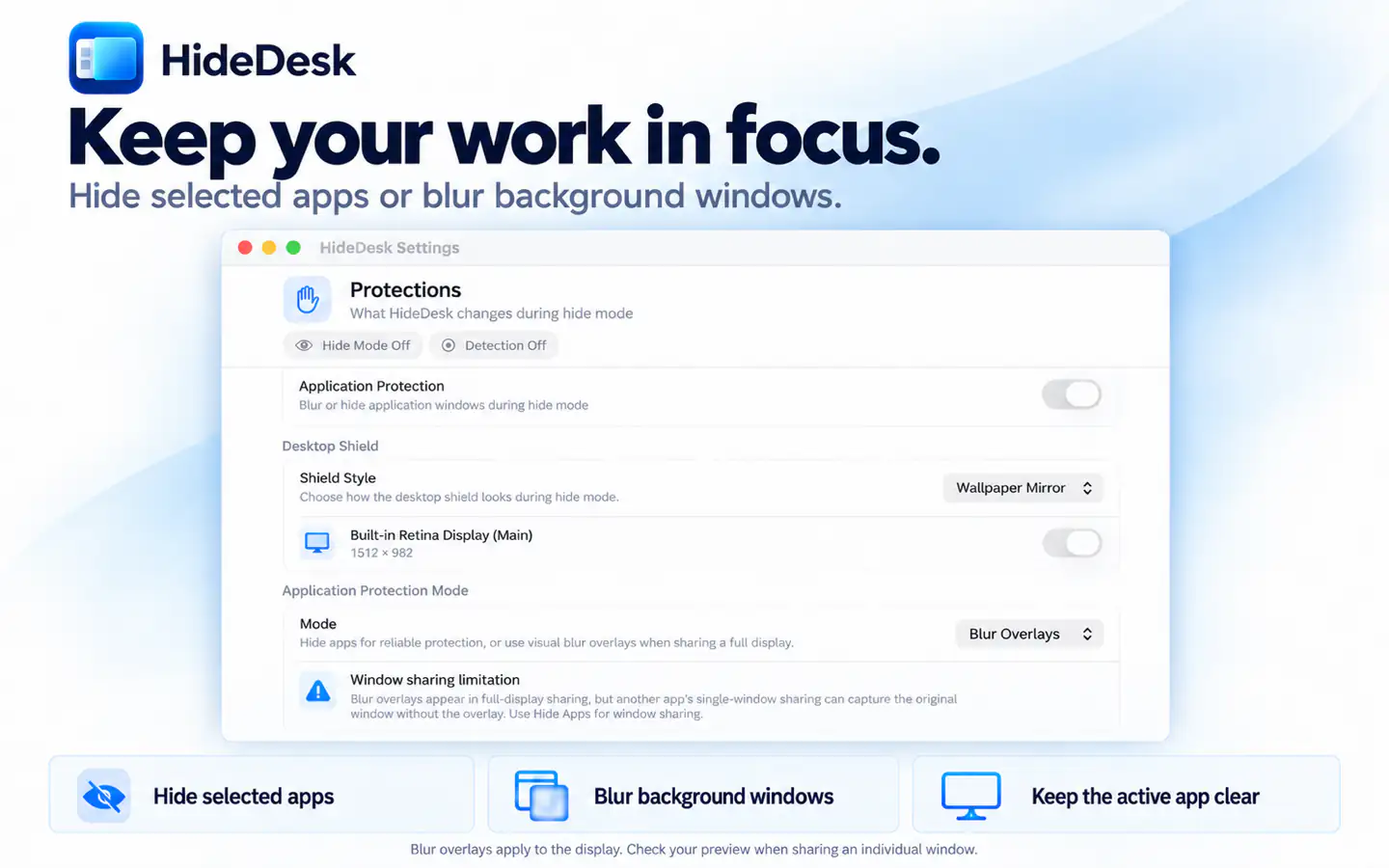
HideDesk protection settings for desktop files, Dock, notifications, and application windows

One click, four layers

Cover desktop files on the displays you choose, tuck away the Dock, protect exposed app windows, and optionally quiet notifications from one focused control center.

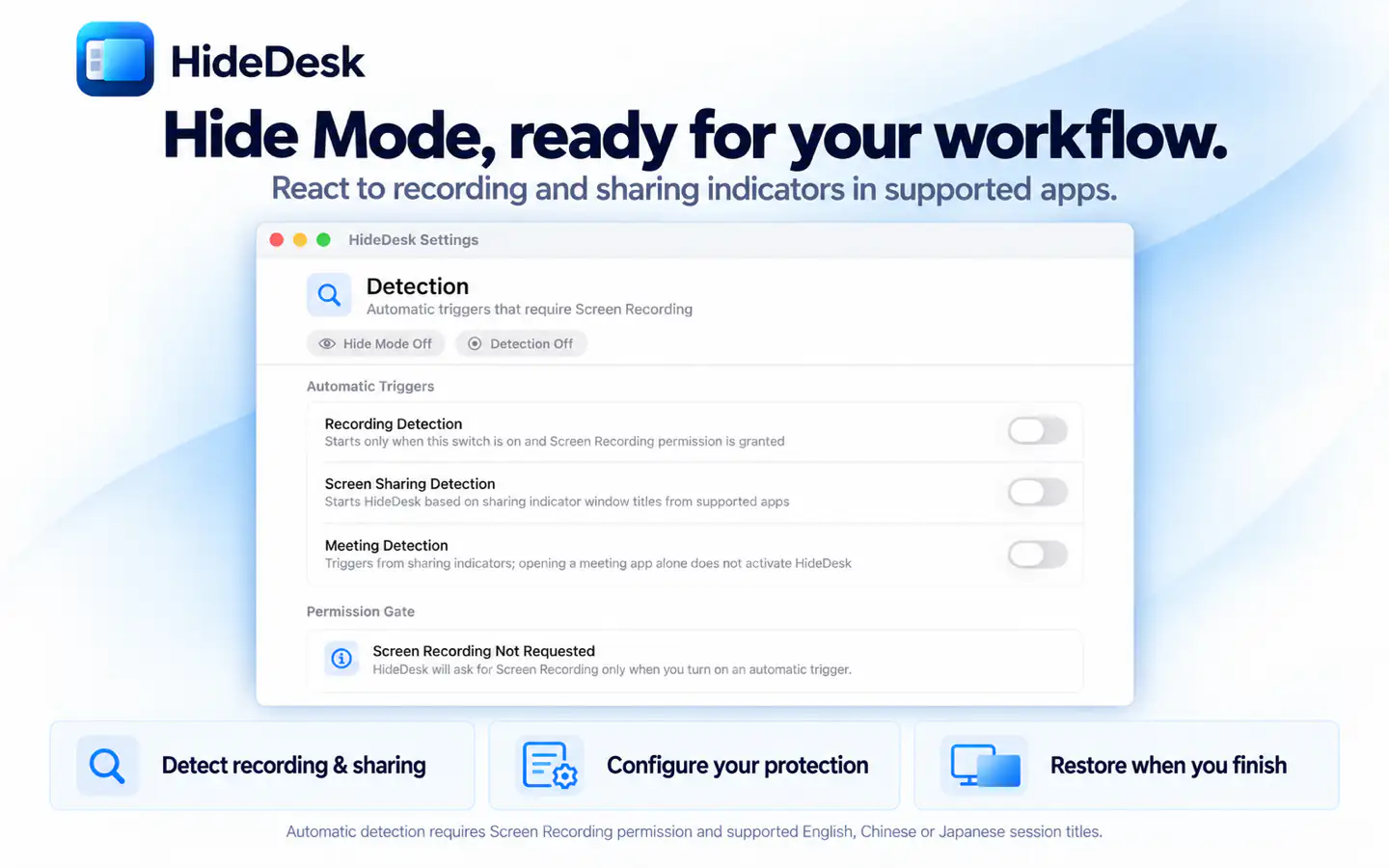
HideDesk recording, screen-sharing, and meeting detection settings

Ready when sharing begins

Optional on-device detection can react to supported recording and screen-sharing sessions. Screen Recording permission is used only for detection, and Hide Mode still works without it.

HideDesk automation rules for screen-sharing triggers and protection actions

Automation that fits the moment

Choose exactly which protections run for manual use, recordings, sharing sessions, or meetings. Name rules, set priorities, and keep actions focused on each workflow.

HideDesk global keyboard shortcut settings

Always within reach

Toggle Hide Mode from the menu bar or a customizable global shortcut without leaving the app you are presenting, teaching from, or recording.

HideDesk launch, recovery, appearance, and language settings

Your workspace comes back

HideDesk saves supported state before changing it, restores it when you finish, and can recover after an unexpected quit. Try every Hide Mode feature for 10 activations, then unlock lifetime use once.

Pricing

Simple, transparent pricing

Choose the option that fits your workflow. App Store purchases are tied to your Apple ID.

Lifetime Unlock
$9.99
Includes 10 free Hide Mode activations before purchase.

Ready to try HideDesk?

Choose your device and start using the app today.