

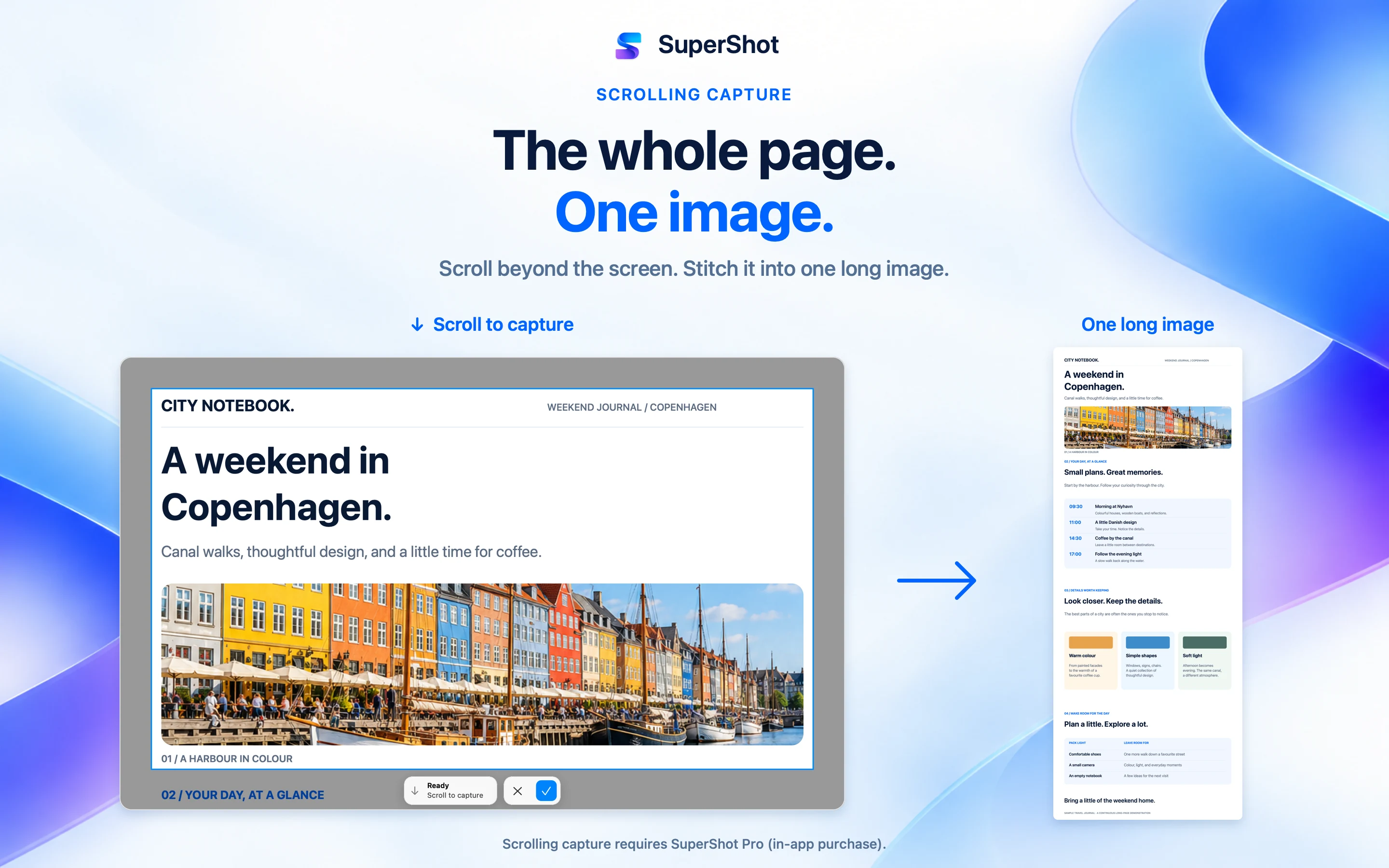
CAPTURE AND COMBINE
Capture an area, window, full screen or previous selection. Fine-tune the frame with a timer, fixed ratios, pixel dimensions and a magnifier. Capture scrolling content as one long image, or join images horizontally or vertically.
Utilities

SuperShot
macOS
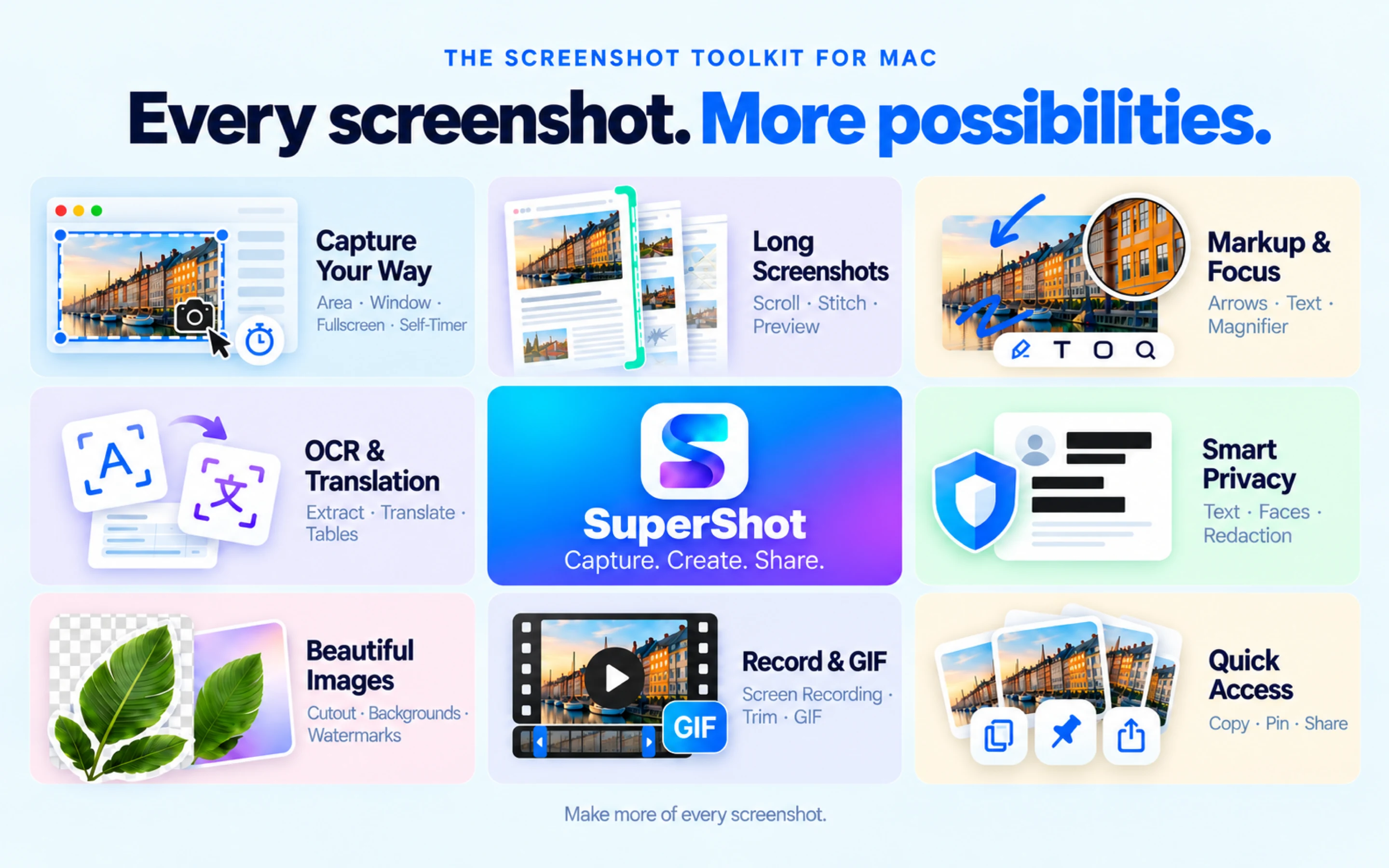
Capture, annotate and share clear visual feedback on your Mac. SuperShot brings scrolling screenshots, image editing, text recognition and screen recording into one workspace for bug reports, tutorials and reference material. Choose what happens after a screenshot: Quick Access for copy, save and pin actions, Direct Edit for tools below the selection, or a separate editor. All-In-One area and window captures follow the same preference, so your next step stays familiar.
Requires a Mac with Apple silicon and macOS 15 or later.
SuperShot
iPhone
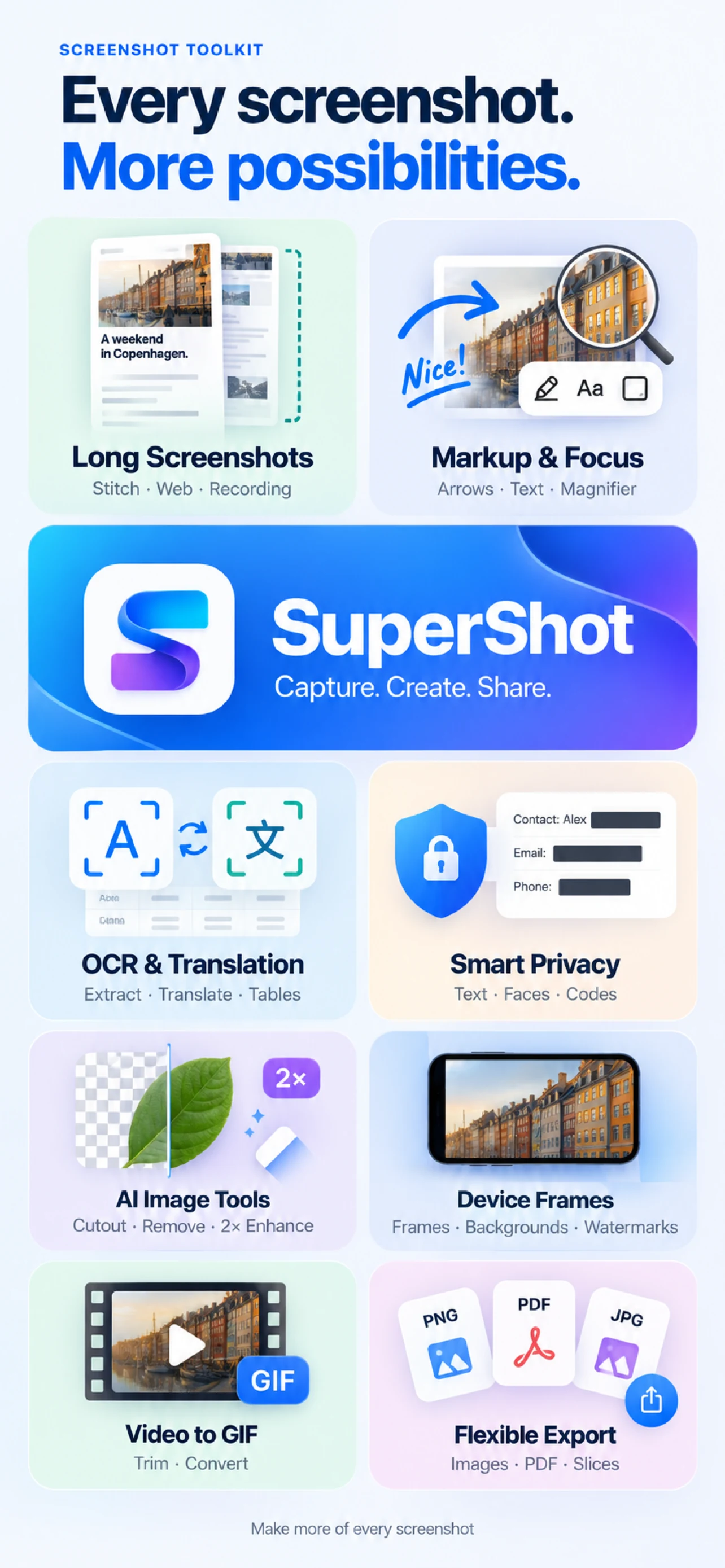
Turn screenshots into a story worth sharing. SuperShot combines long screenshots, image stitching and markup on iPhone and iPad. Save a conversation, collect web references or explain a process with clear visual steps. Save editable projects, create named checkpoints and back up or restore your work. Reuse presets, process images in batches, and use saved workflows or layouts for tutorials and comparisons. Import selected PDF pages and adjust image exports with target file size controls. Edit table rows and columns, then export multiple tables in one XLSX workbook.
SuperShot
iPad
Turn screenshots into a story worth sharing. SuperShot combines long screenshots, image stitching and markup on iPhone and iPad. Save a conversation, collect web references or explain a process with clear visual steps. Save editable projects, create named checkpoints and back up or restore your work. Reuse presets, process images in batches, and use saved workflows or layouts for tutorials and comparisons. Import selected PDF pages and adjust image exports with target file size controls. Edit table rows and columns, then export multiple tables in one XLSX workbook.
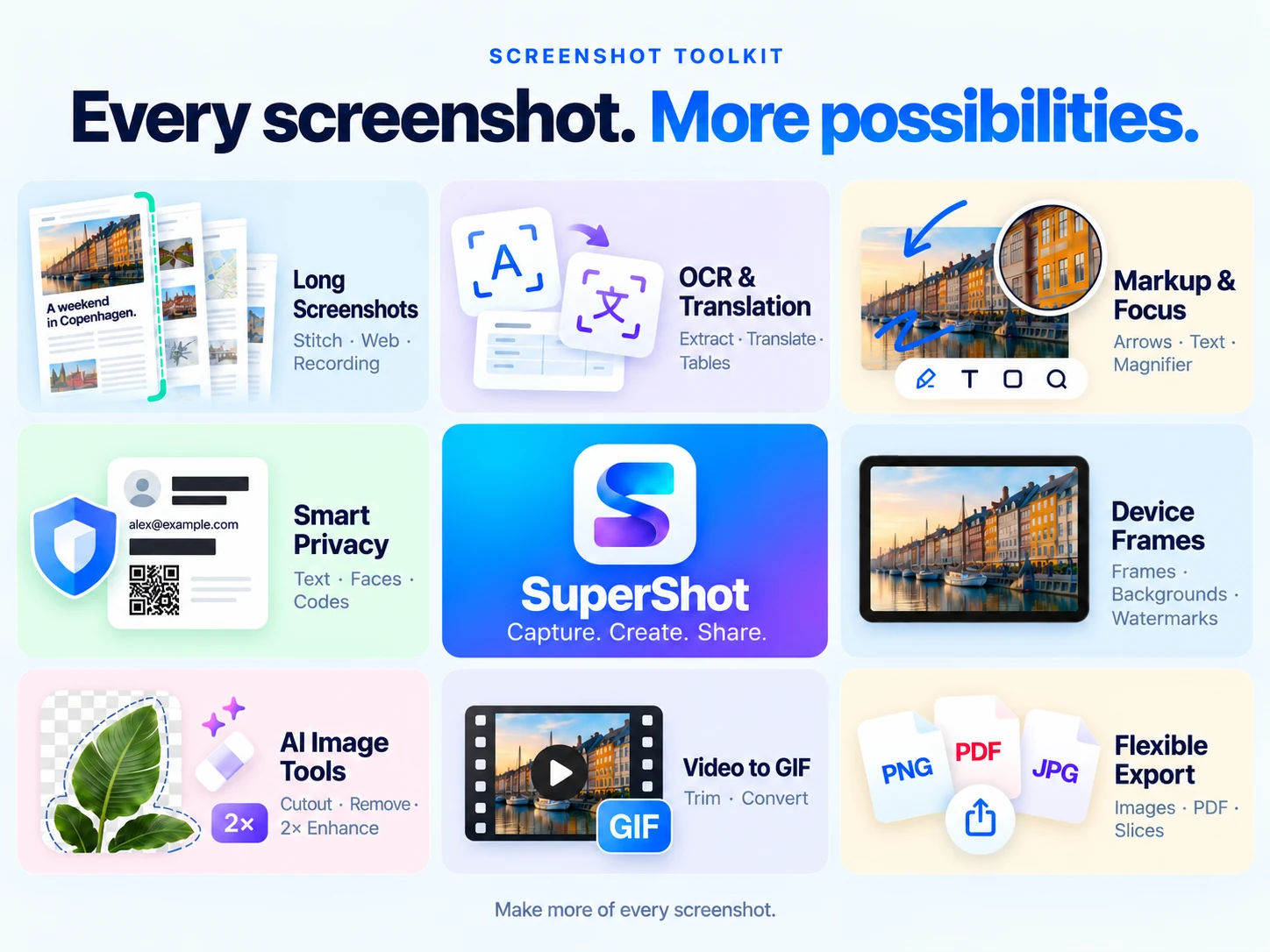
Everything included
SuperShot comes packed with everything you need to get more done.
SuperShot
Capture an area, window, full screen or previous selection. Fine-tune the frame with a timer, fixed ratios, pixel dimensions and a magnifier. Capture scrolling content as one long image, or join images horizontally or vertically.
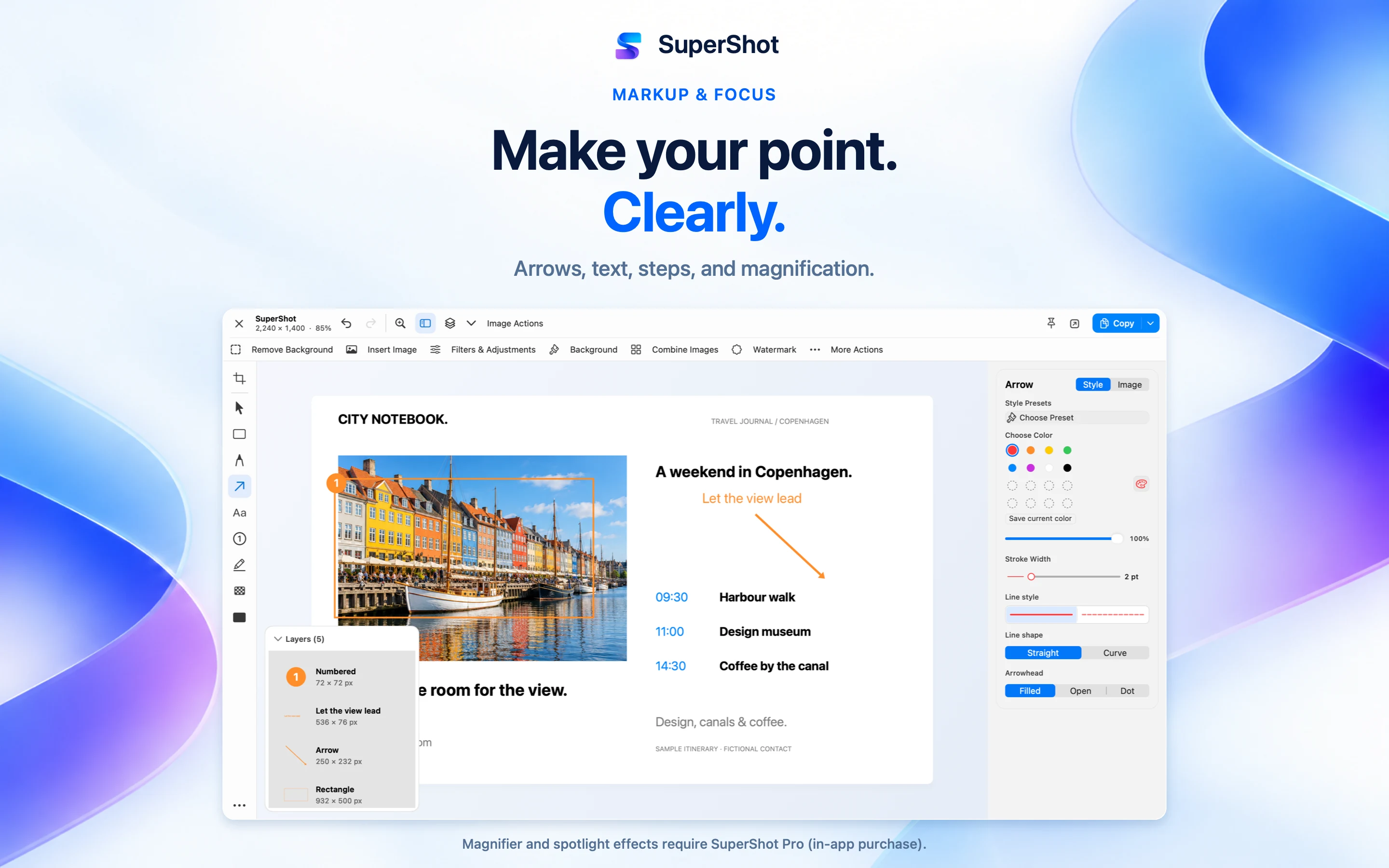

Explain with arrows, shapes, text, highlights and numbered steps. Crop, resize and rotate images, add image layers, remove backgrounds, and adjust filters and colors. Add backgrounds, padding, rounded corners, shadows and watermarks for presentation-ready images.
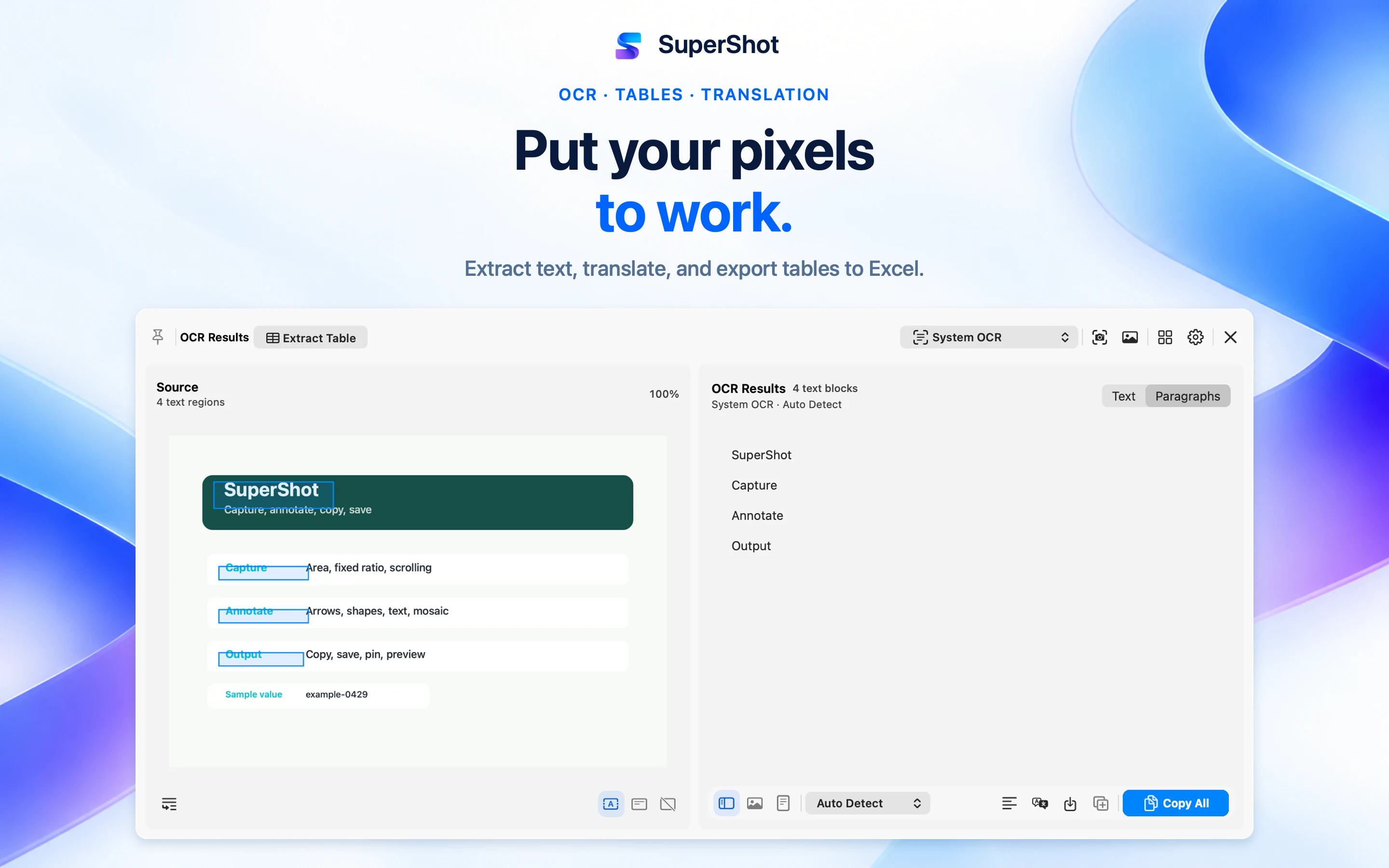
Recognize text in screenshots, images and PDF pages, then edit, copy or translate it. System OCR runs locally on your Mac. Cloud OCR and third-party translation send data to the service you configure. Use OCR to recognize tables, review and edit cells, and export them to Excel (.xlsx). Table recognition requires macOS 26 or later.
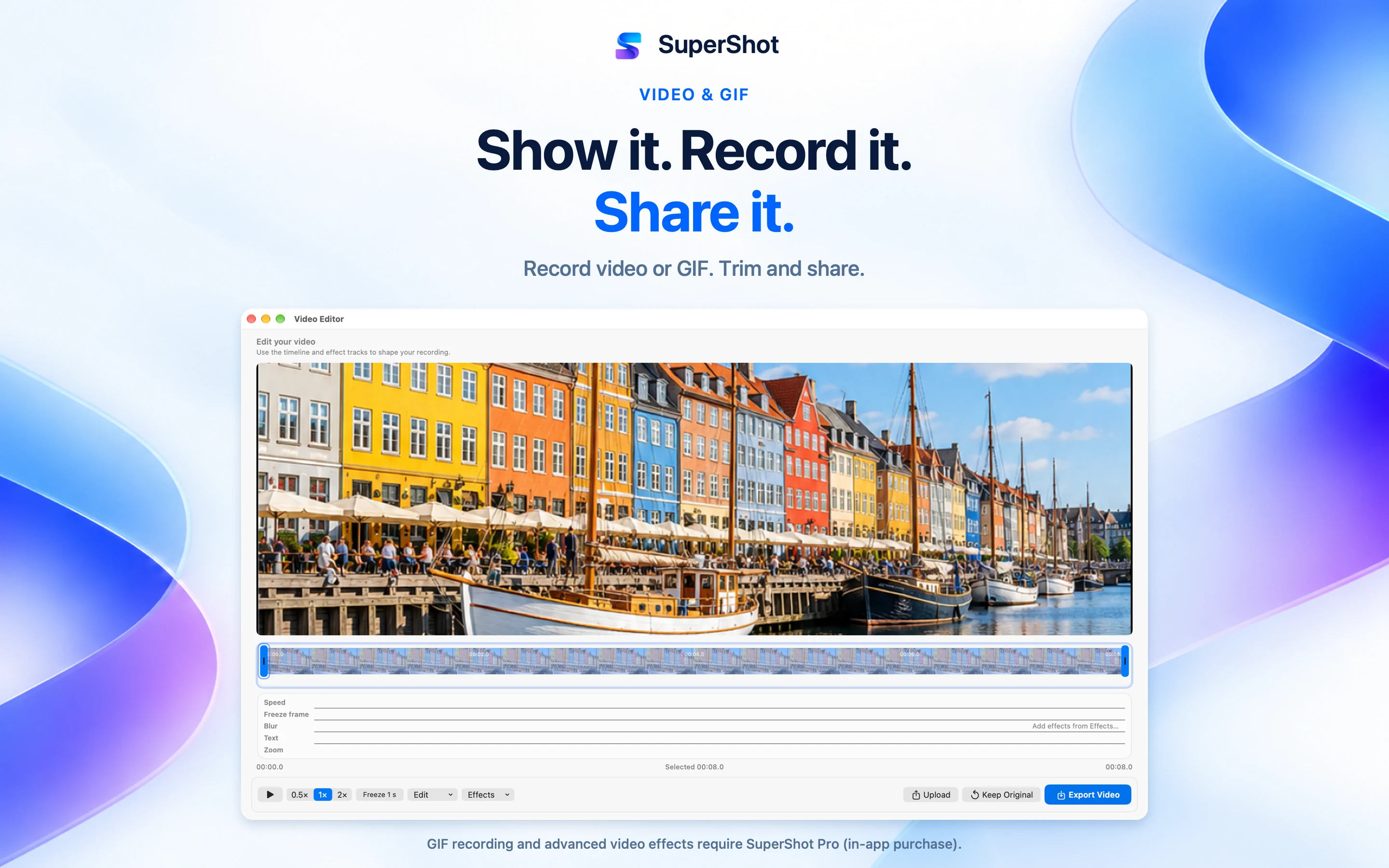
Record screen video or GIFs. Video recording can include system audio, microphone, camera overlay and click indicators. Trim clips, change speed, add text, hide regions and zoom into details. Preview and export your edits while preserving the original video. Actual frame rate depends on hardware and recording conditions.
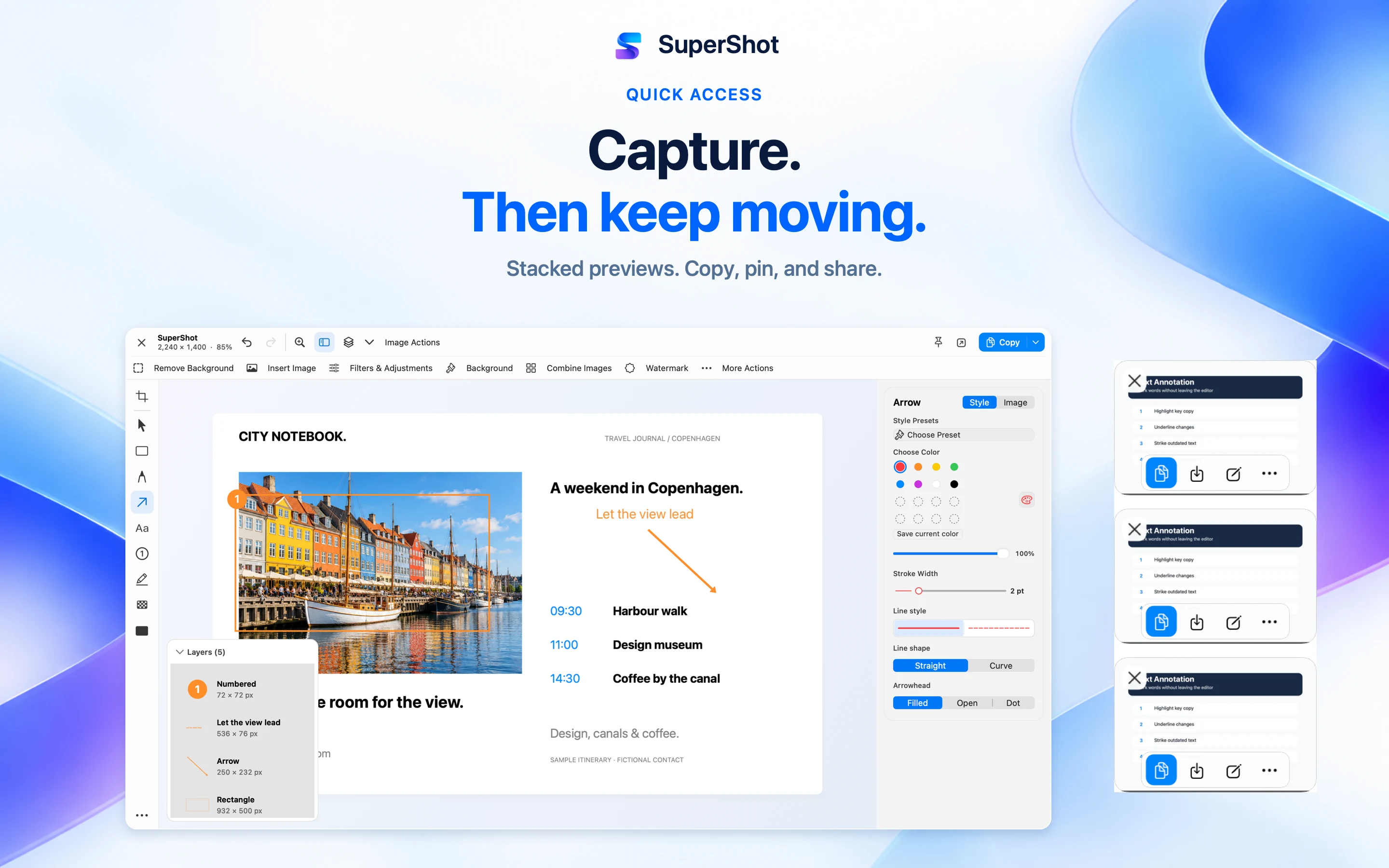
Copy, save, drag, edit or pin images after capture. Keep reference images above other windows. Browse the local Library in grid or list view, organize with tags and favorites, and search recognized text. Save editable .supershot projects to continue later.
Export PNG, JPEG, HEIC, WebP or AVIF, use the clipboard or system share menu, or upload through configured services. Some formats depend on system support; AVIF is limited to 10 megapixels. Customize keyboard shortcuts, pick screen colors, read QR codes and connect workflows with Shortcuts and URL actions. Supports Light and Dark Mode.

Hide sensitive details with opaque redaction. Blur and mosaic are visual effects. Privacy detection can suggest regions to review before applying redaction. Share the exported image; editable projects retain original content. Third-party upload, cloud OCR and translation require setup; some services need an account or API key and may charge separately. Background removal and recognition depend on system support and content. Review automatic results before using or sharing them. Requires a Mac with Apple silicon and macOS 15 or later. Some features require SuperShot Pro.
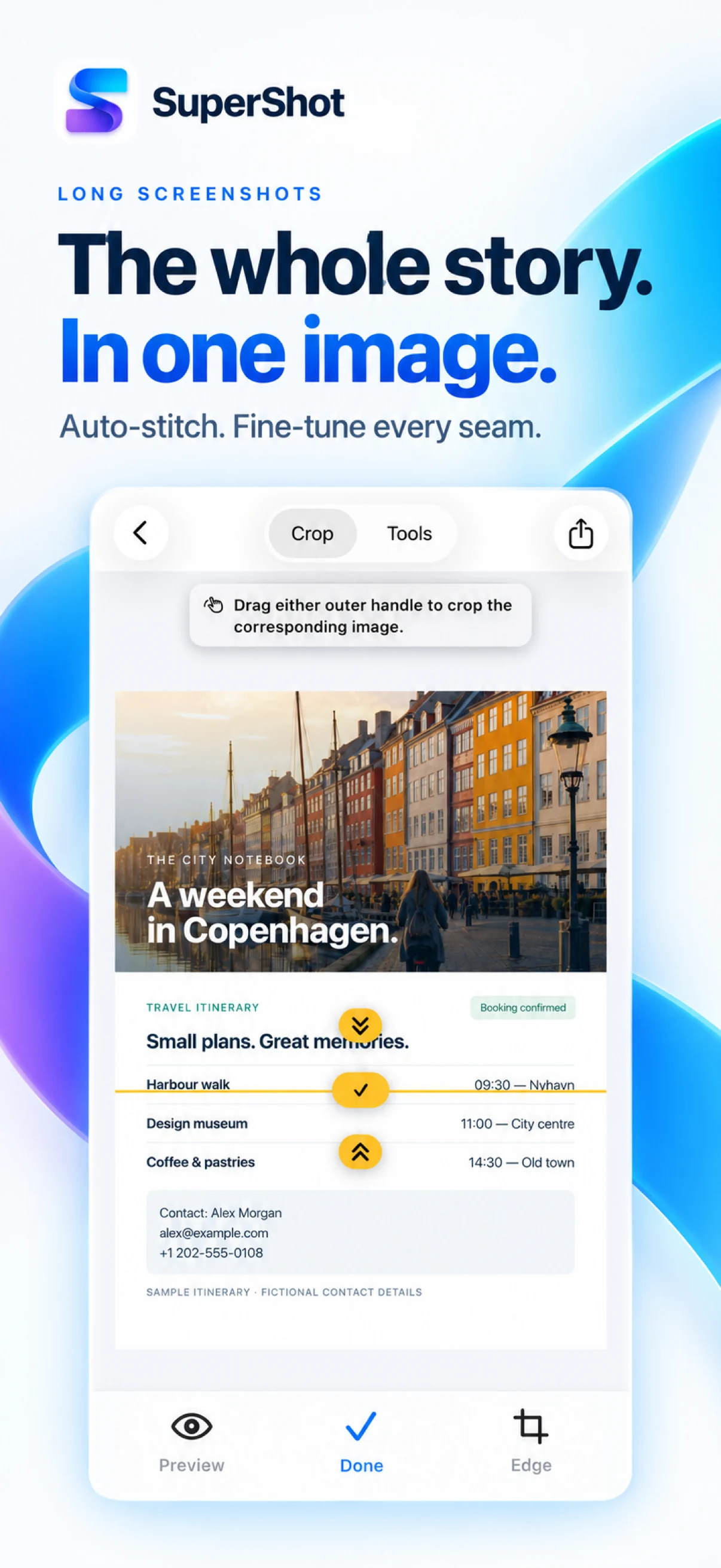
Join screenshots vertically or horizontally with automatic overlap detection and manual seam adjustment. Turn a scrolling screen recording into a long image. Capture full webpages through the Safari extension, or trim a video clip and convert it to GIF.
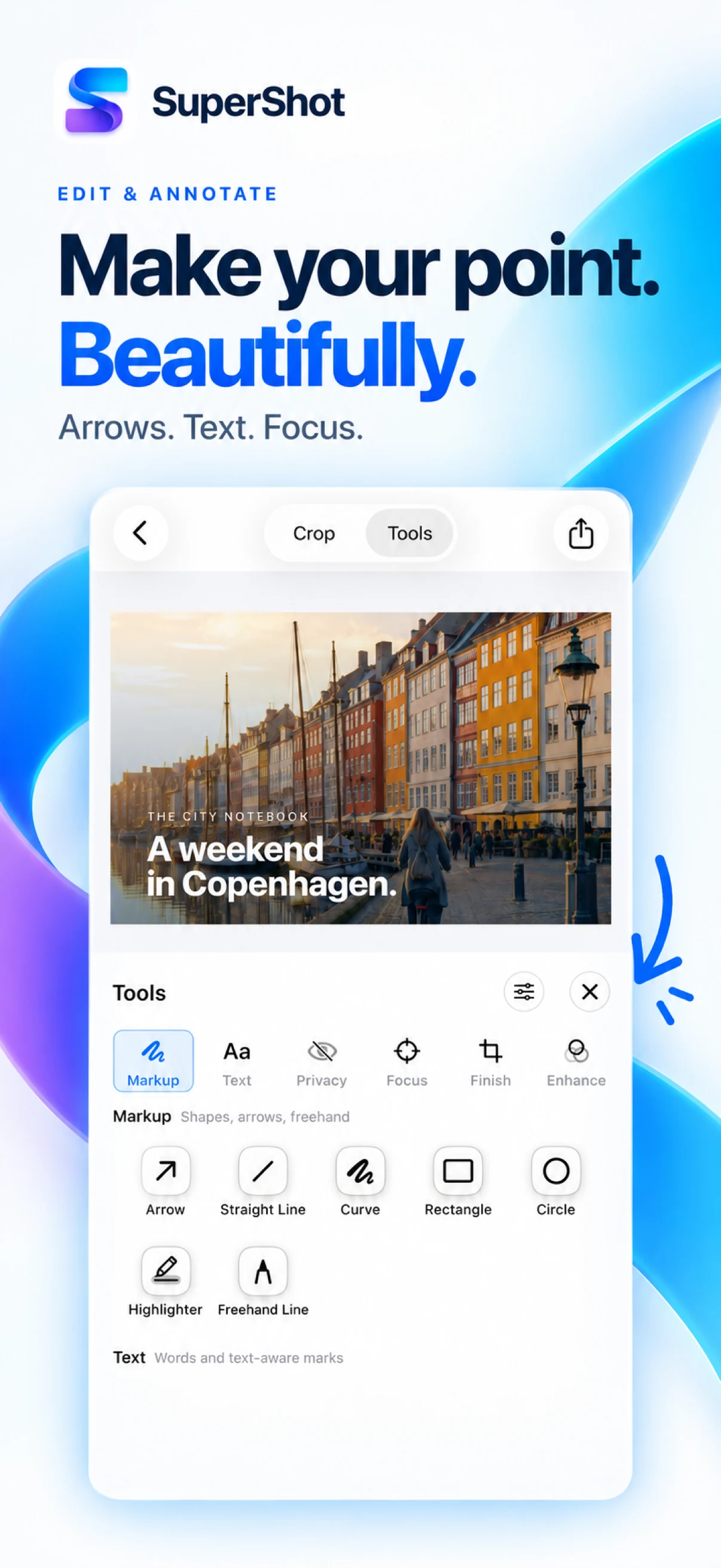
Add arrows, text, shapes, freehand drawing, highlights and numbered steps. Use a magnifier or spotlight to focus attention. Crop precisely, resize, add watermarks and finish with backgrounds or device frames.
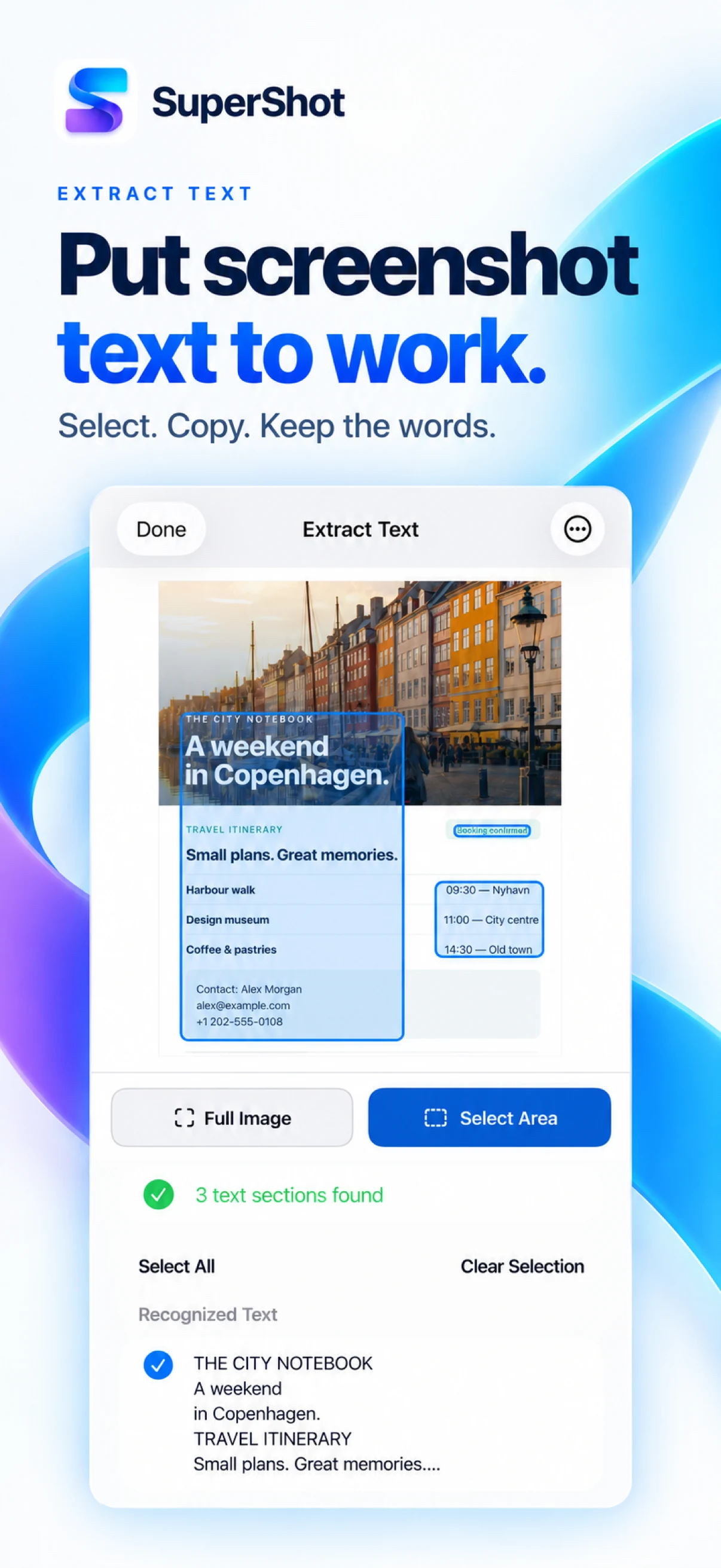
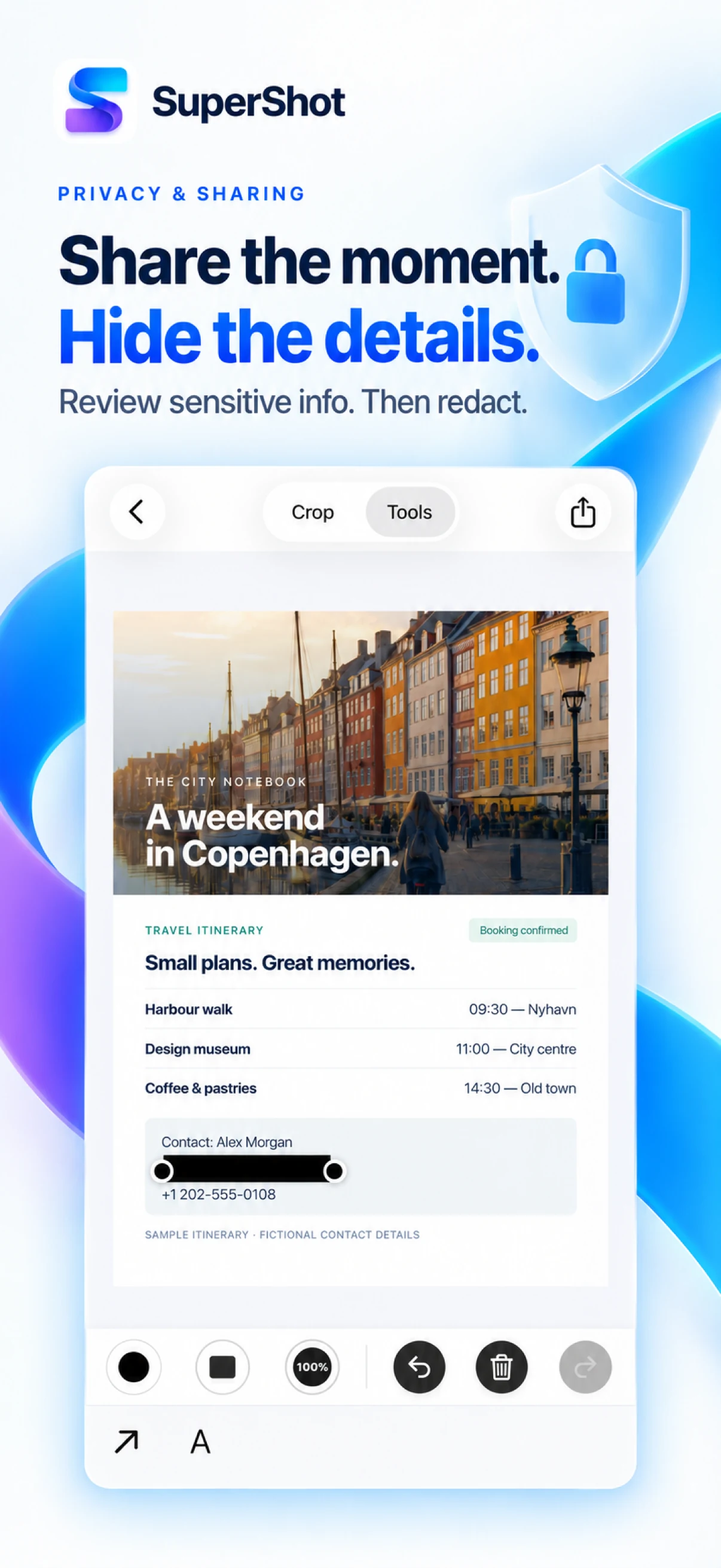
Recognize text in an image or a selected region, translate it, and copy recognized tables as TSV or export them as CSV. Review and cover sensitive text, faces, QR codes and barcodes with privacy tools before sharing.
Extract a subject and change its background, remove unwanted objects or enhance an image at 2x resolution. Adjust filters and tidy screenshot status bars or scrollbars.
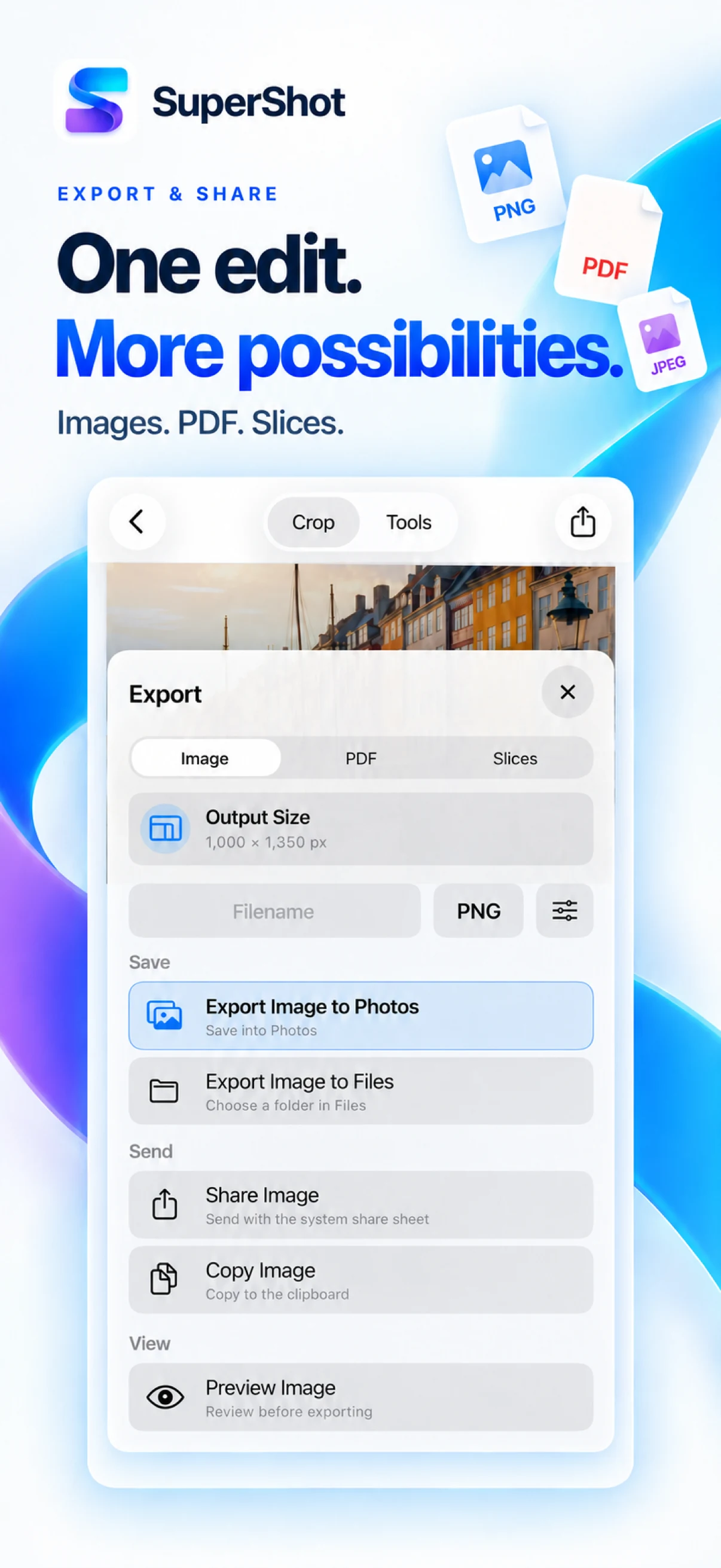
Try every available tool and preview the result without purchasing. Ordinary screenshot, stitch, crop, markup and OCR results remain free to save, share or copy. Outputs containing AI object removal, 2x enhancement, subject cutout, translation or table extraction require Pro. Closing the purchase page keeps your edits; undoing Pro effects restores free output. Save images or PDFs, split long images into slices and share through Photos, Files or the system share sheet. Choose a monthly, annual or lifetime Pro plan in Settings. A first-month subscription trial is available only for eligible accounts and offers; pricing and renewal terms appear before purchase. Editing, stitching and the image tools above process on device. Some tools need model or language downloads. Availability varies by device, system and language; review automatic results before sharing.
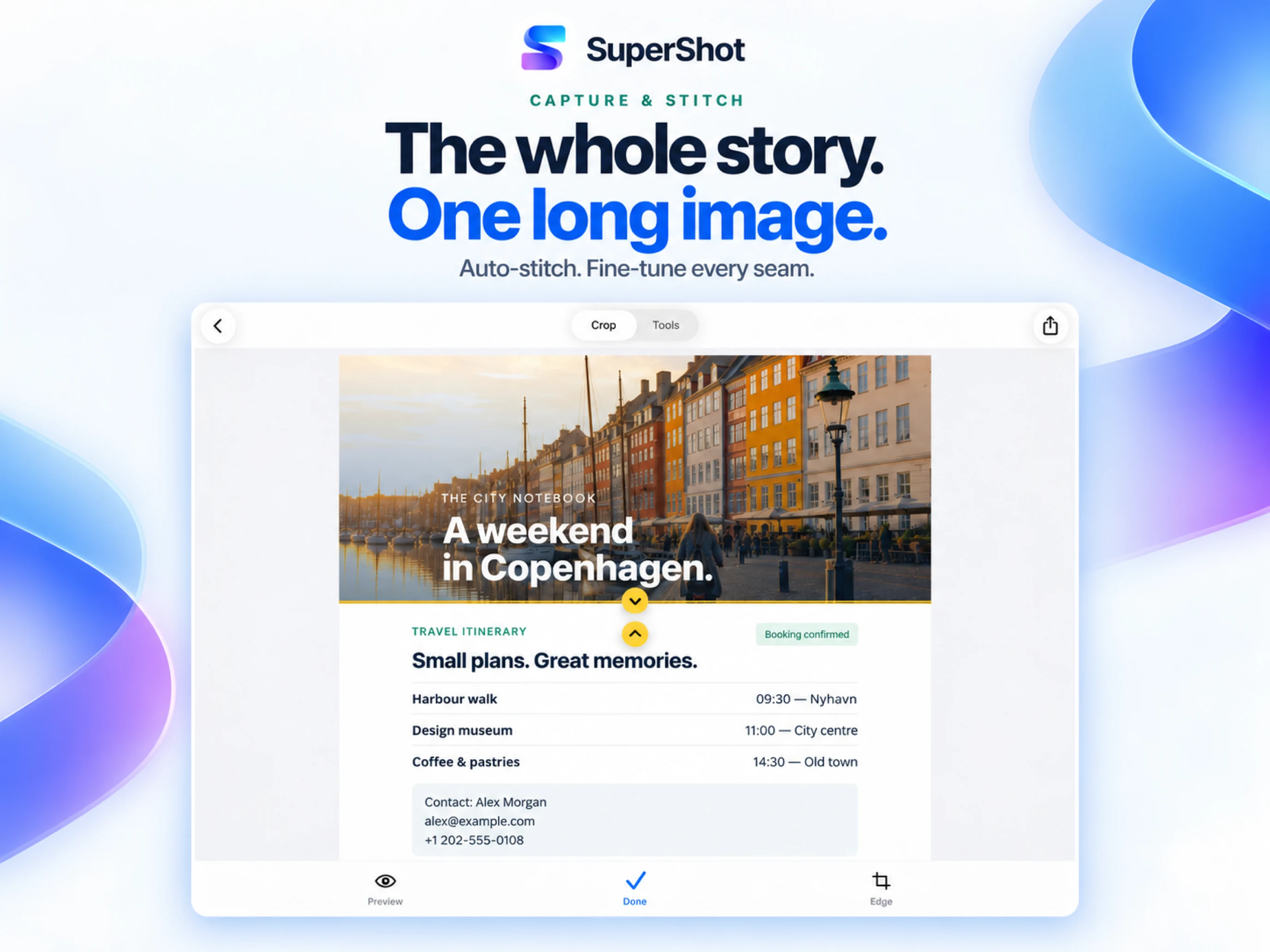
Join screenshots vertically or horizontally with automatic overlap detection and manual seam adjustment. Turn a scrolling screen recording into a long image. Capture full webpages through the Safari extension, or trim a video clip and convert it to GIF.

Add arrows, text, shapes, freehand drawing, highlights and numbered steps. Use a magnifier or spotlight to focus attention. Crop precisely, resize, add watermarks and finish with backgrounds or device frames.
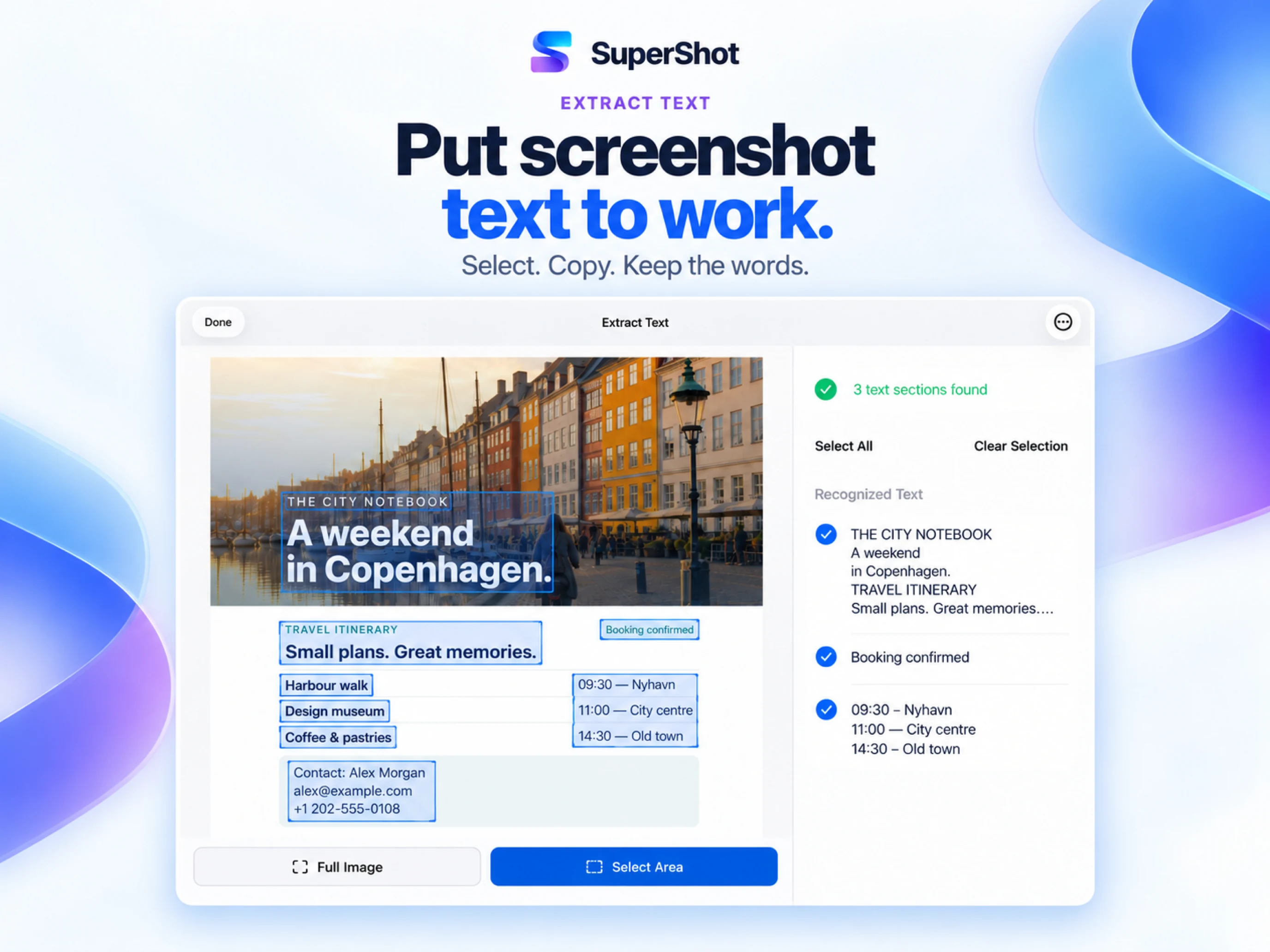

Recognize text in an image or a selected region, translate it, and copy recognized tables as TSV or export them as CSV. Review and cover sensitive text, faces, QR codes and barcodes with privacy tools before sharing.
Extract a subject and change its background, remove unwanted objects or enhance an image at 2x resolution. Adjust filters and tidy screenshot status bars or scrollbars.
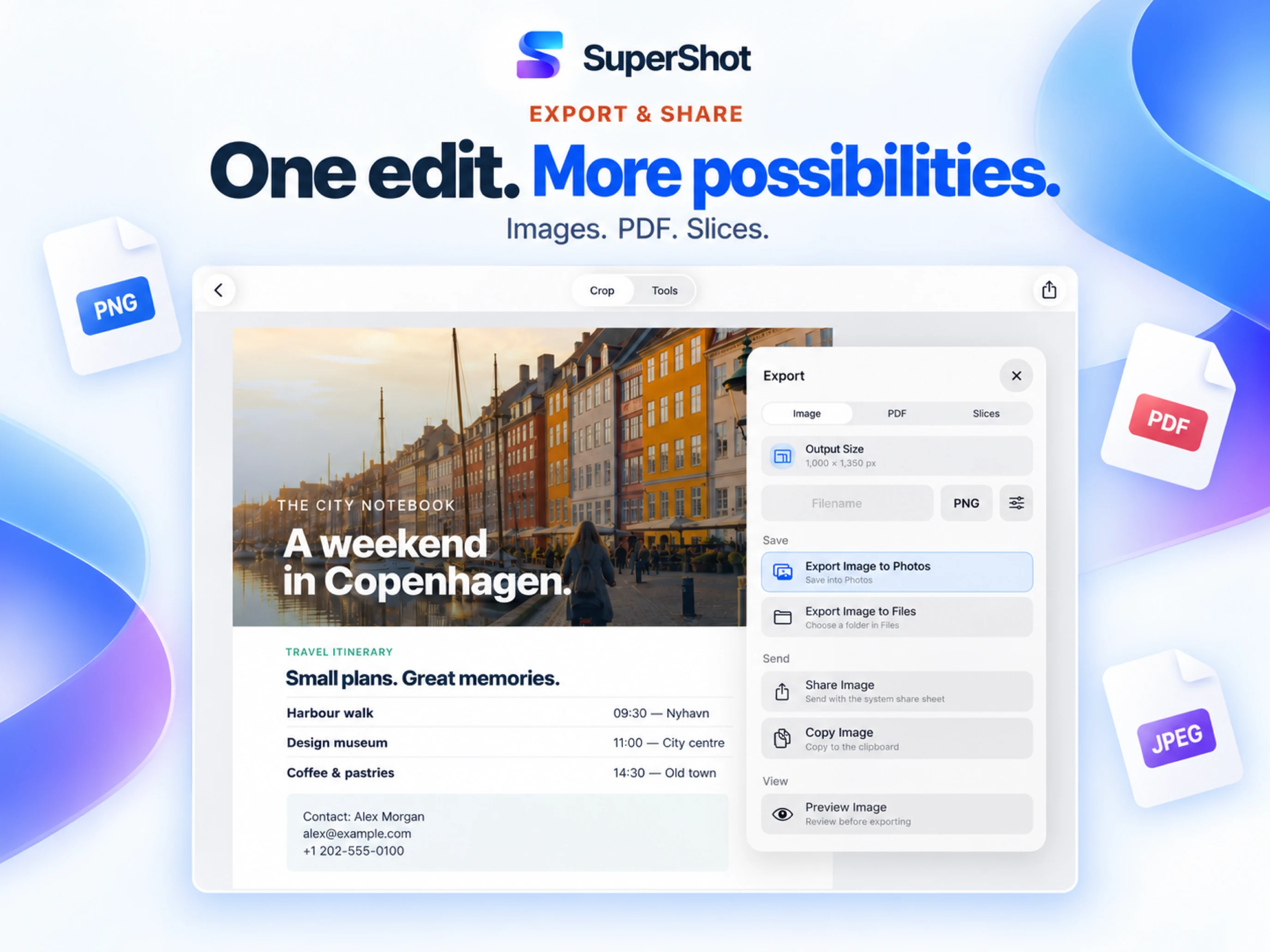
Try every available tool and preview the result without purchasing. Ordinary screenshot, stitch, crop, markup and OCR results remain free to save, share or copy. Outputs containing AI object removal, 2x enhancement, subject cutout, translation or table extraction require Pro. Closing the purchase page keeps your edits; undoing Pro effects restores free output. Save images or PDFs, split long images into slices and share through Photos, Files or the system share sheet. Choose a monthly, annual or lifetime Pro plan in Settings. A first-month subscription trial is available only for eligible accounts and offers; pricing and renewal terms appear before purchase. Editing, stitching and the image tools above process on device. Some tools need model or language downloads. Availability varies by device, system and language; review automatic results before sharing.
Monthly or yearly subscription, or a one-time purchase.
$0.99
per month
$6.99
per year
$9.99
one time
Discover more native apps for Mac, iPhone, and iPad.

SpeedZip makes everyday archive work easier on your Mac. Pack files for sharing, look inside downloads before extracting them, and keep projects ready for handoff.
Learn More
A little spin. A little joy. Play with a traditional bamboo toy, take a timed break, and try making your own WAH sound.
Learn More
Give your Mac desktop and saved screenshots a recognizable mark.
Learn MoreChoose your device and view the app on the App Store.