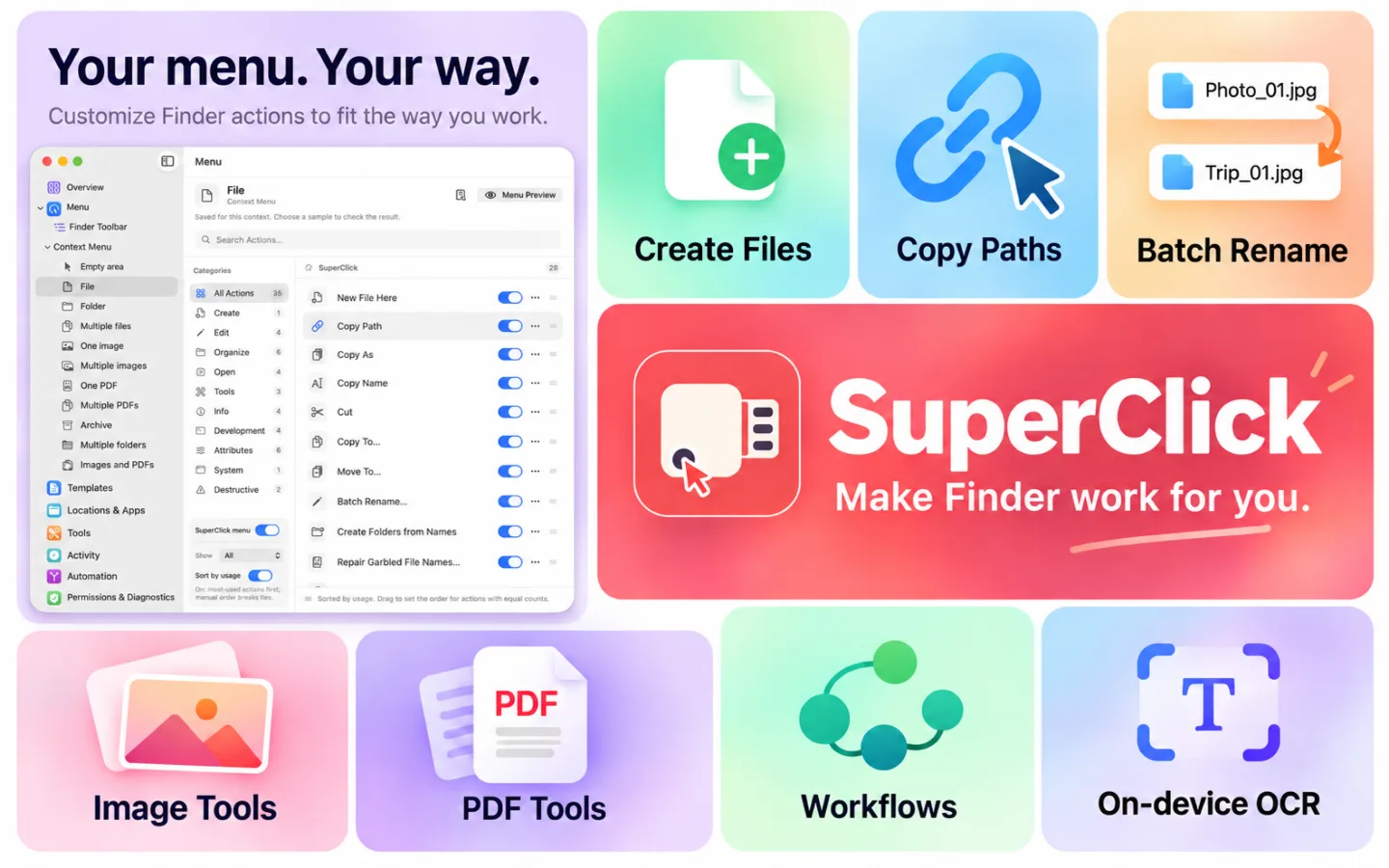
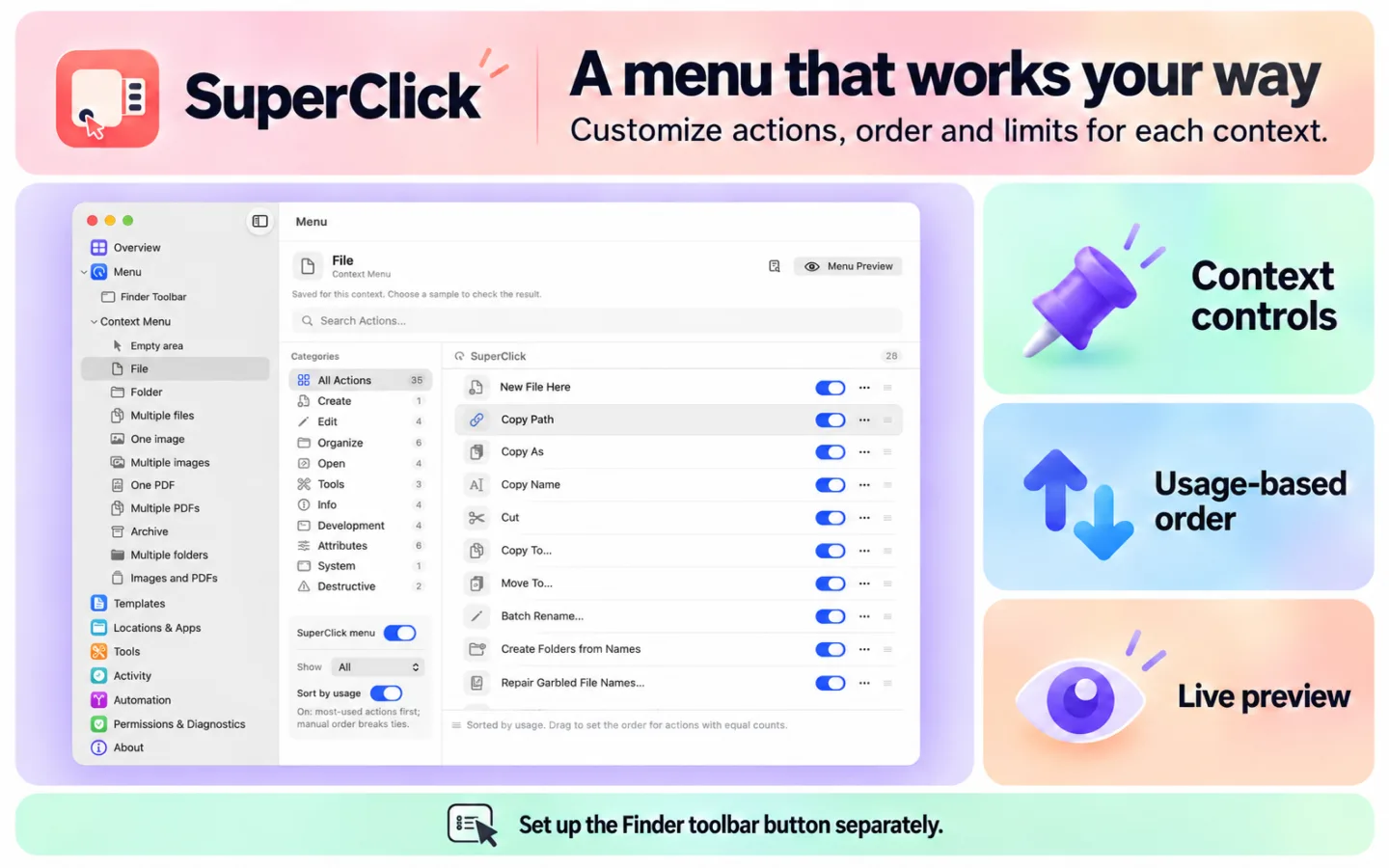
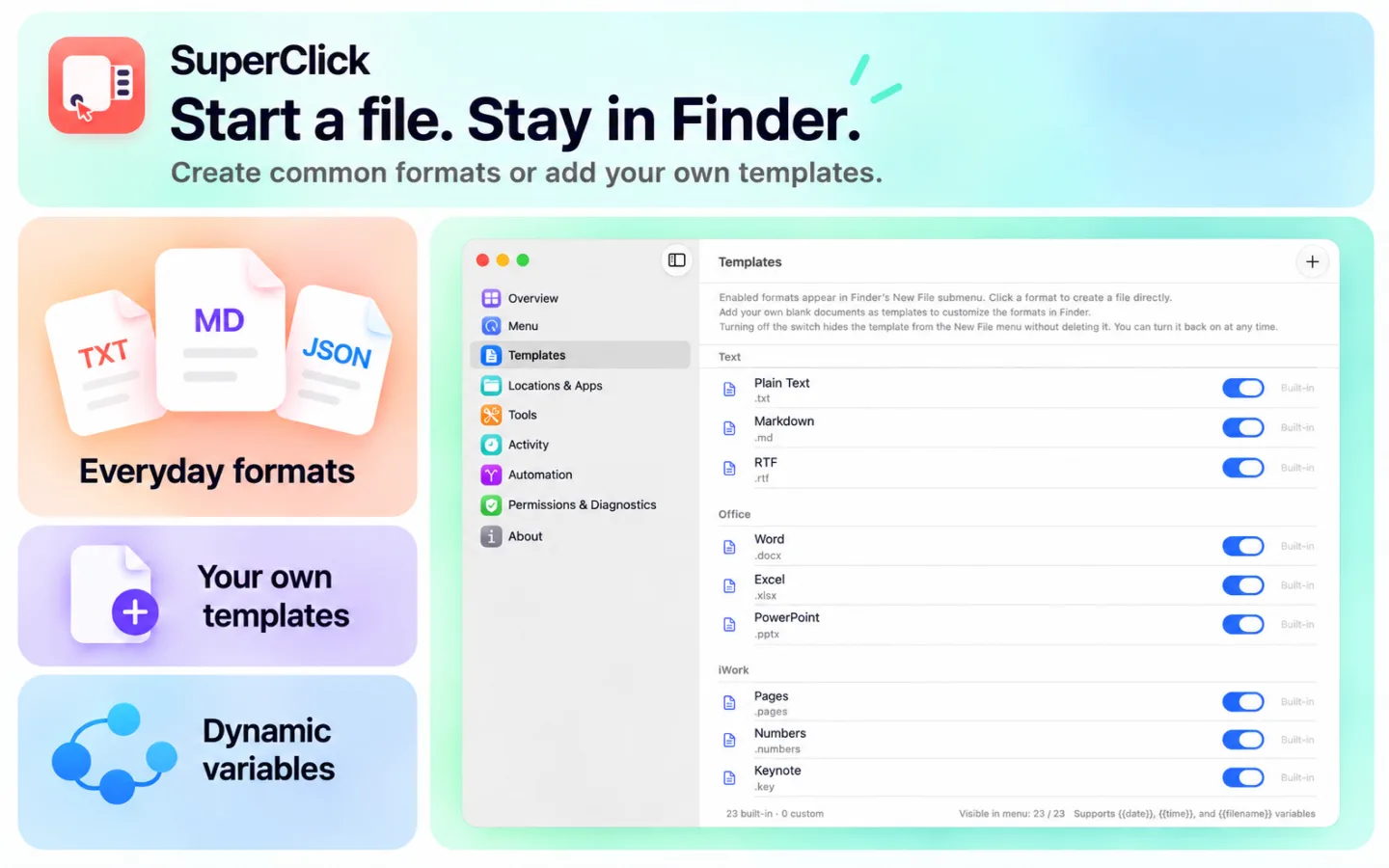
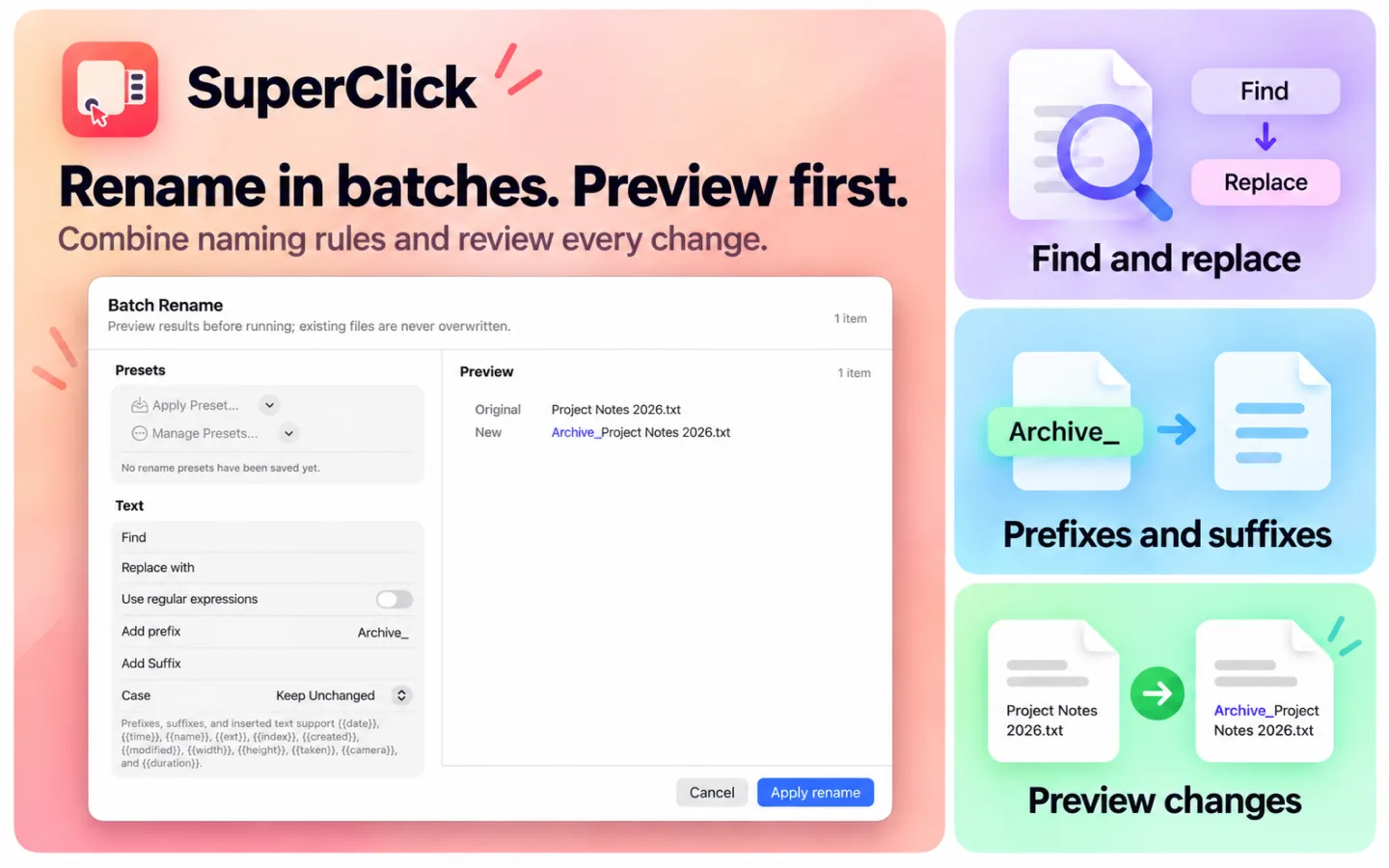
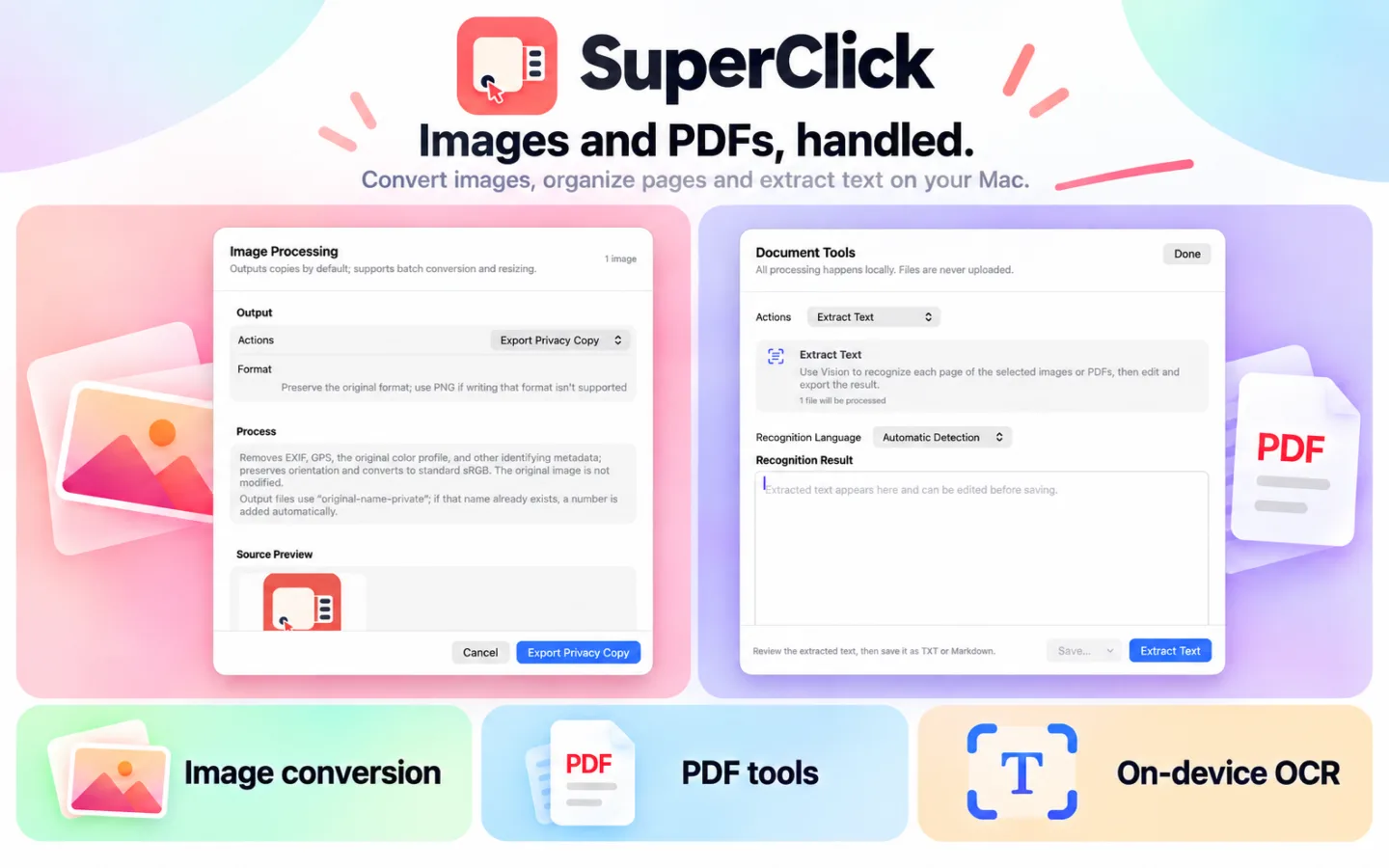
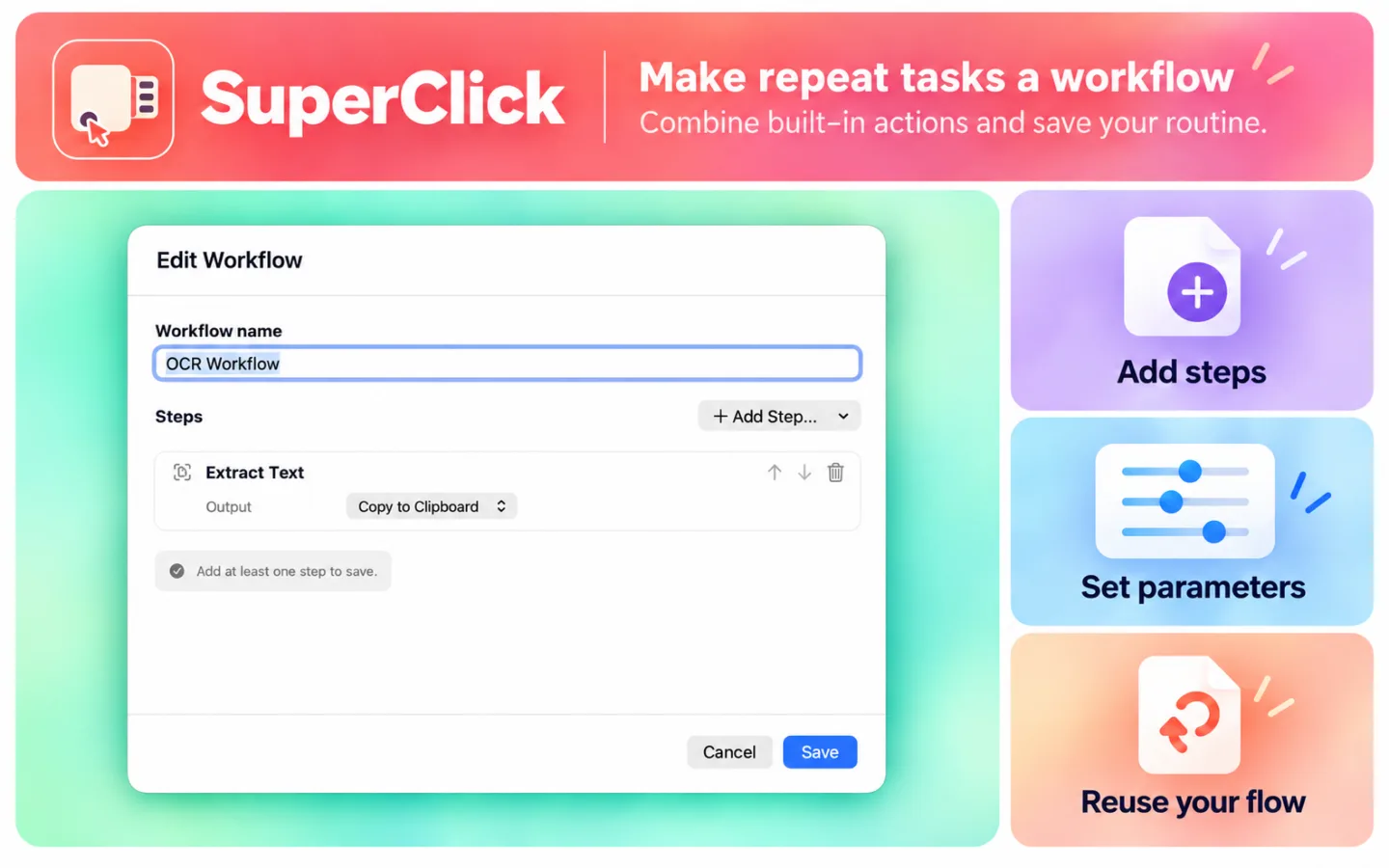
SuperClick brings customizable context menus and a toolbar menu to Finder, plus a toolbox for file tasks. Create files, copy paths, work with images and PDFs, and turn repeated steps into reusable workflows.
macOS ≥ 15.0
Basic Finder actions, ZIP tools, hash verification, clipboard tools and moving files are free. Pro unlocks advanced image and PDF tools, OCR, batch renaming, duplicate detection, folder comparison and sync, file lists, text comparison and workflows. Pro is available through in-app purchase. No SuperClick account required. Image, PDF and OCR processing runs locally on your Mac. Requires macOS 15.0 or later. Enable the SuperClick extension in System Settings to use Finder actions. Available actions depend on the selected files; macOS may limit extension menus in managed locations such as iCloud Drive.