
 SuperShot macOS
 SuperShot macOS 1.4
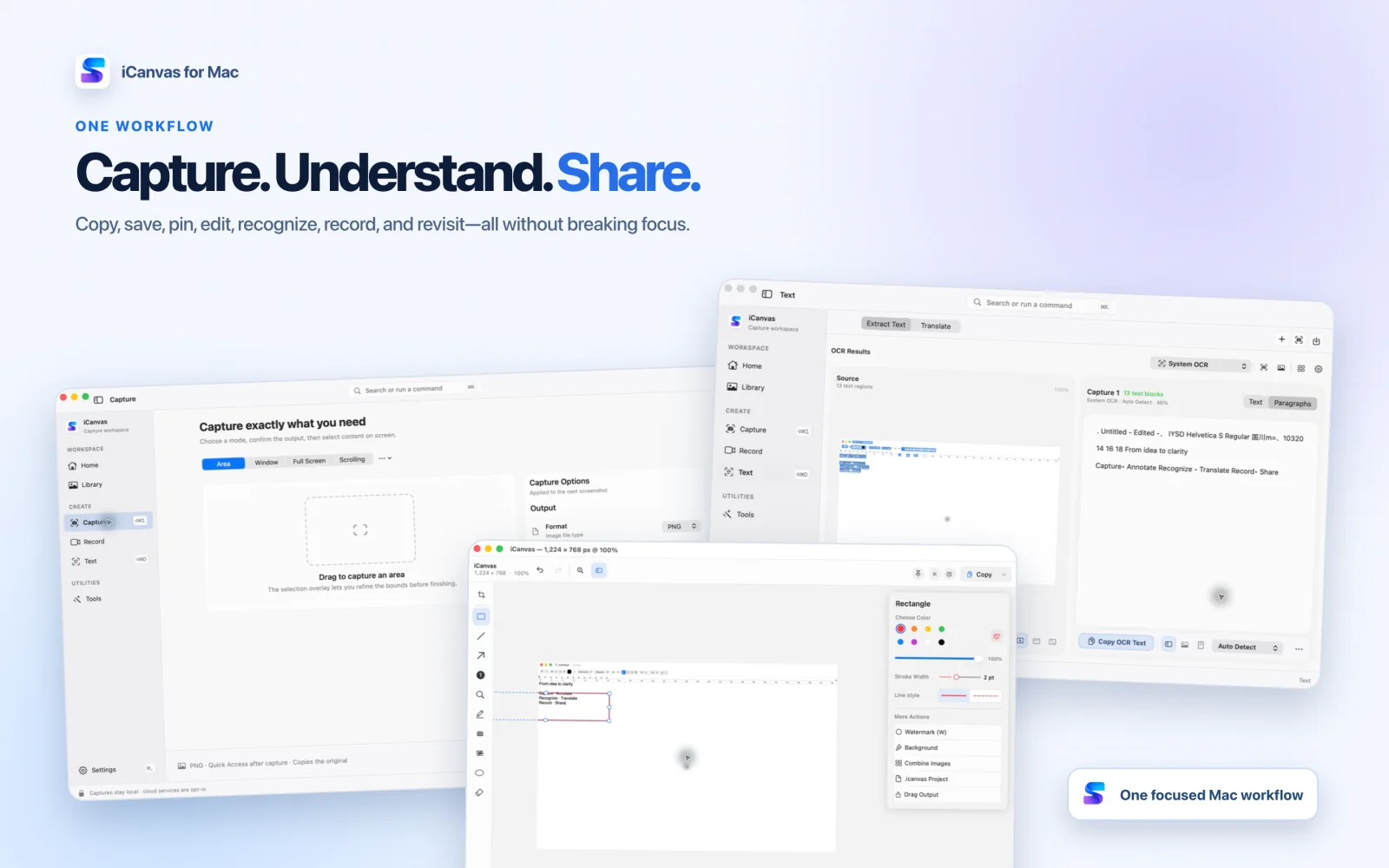
SuperShot 1.4 introduces the new SuperShot identity and a redesigned workspace that brings capture, annotation, recording, OCR, translation, and tools into one clear place.
What’s New
This update introduces the new SuperShot identity and a redesigned workspace that brings capture, Library, annotation, recording, text recognition, translation, and tools into one clear place.
- Start area, window, previous-area, fullscreen, scrolling, or self-timer capture from a focused workspace or the menu bar.
- Use the refined selection magnifier and adaptive capture controls for more precise positioning without overlapping toolbars.
- Choose what happens after capture: open the editor immediately or use Quick Access to copy, save, pin, drag, or edit.
- Create scrolling captures with improved preview, alignment, and stitching for long pages.
- Annotate with arrows, shapes, text, highlights, numbering, magnification, mosaic, and redaction, then keep an editable
.supershotproject when needed. - Switch directly between video and optimized GIF recording, with controls for system audio, microphone, camera, pointer, clicks, and keystrokes.
- Import screenshots, images, and PDFs for editable OCR results and translation workflows.
- Review optional cloud data use before enabling a cloud OCR or translation provider. Service credentials are stored in the macOS Keychain.
- Improved Light and Dark Mode, localization, keyboard navigation, accessibility, performance, and stability throughout the app.
SuperShot