One click, four layers
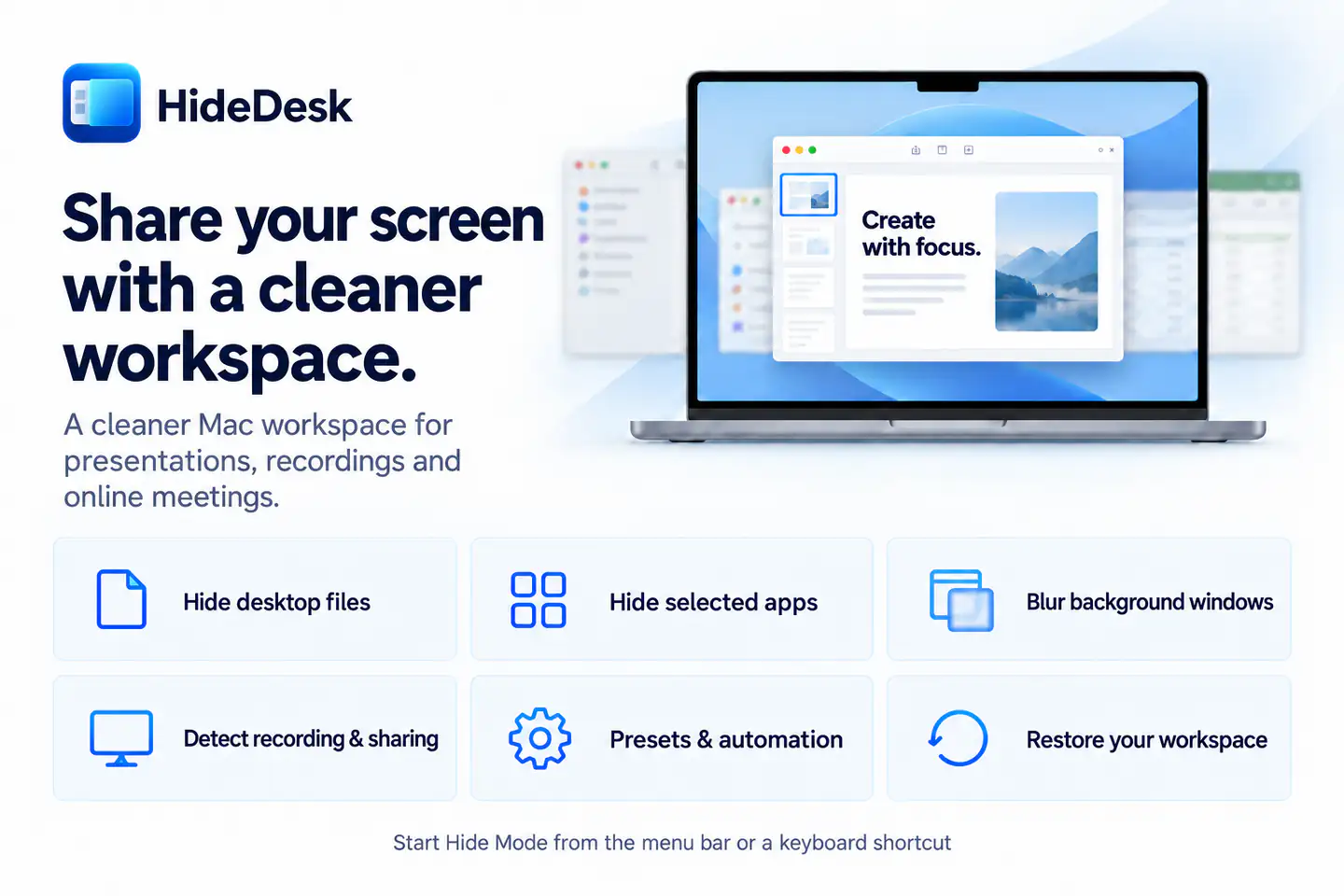
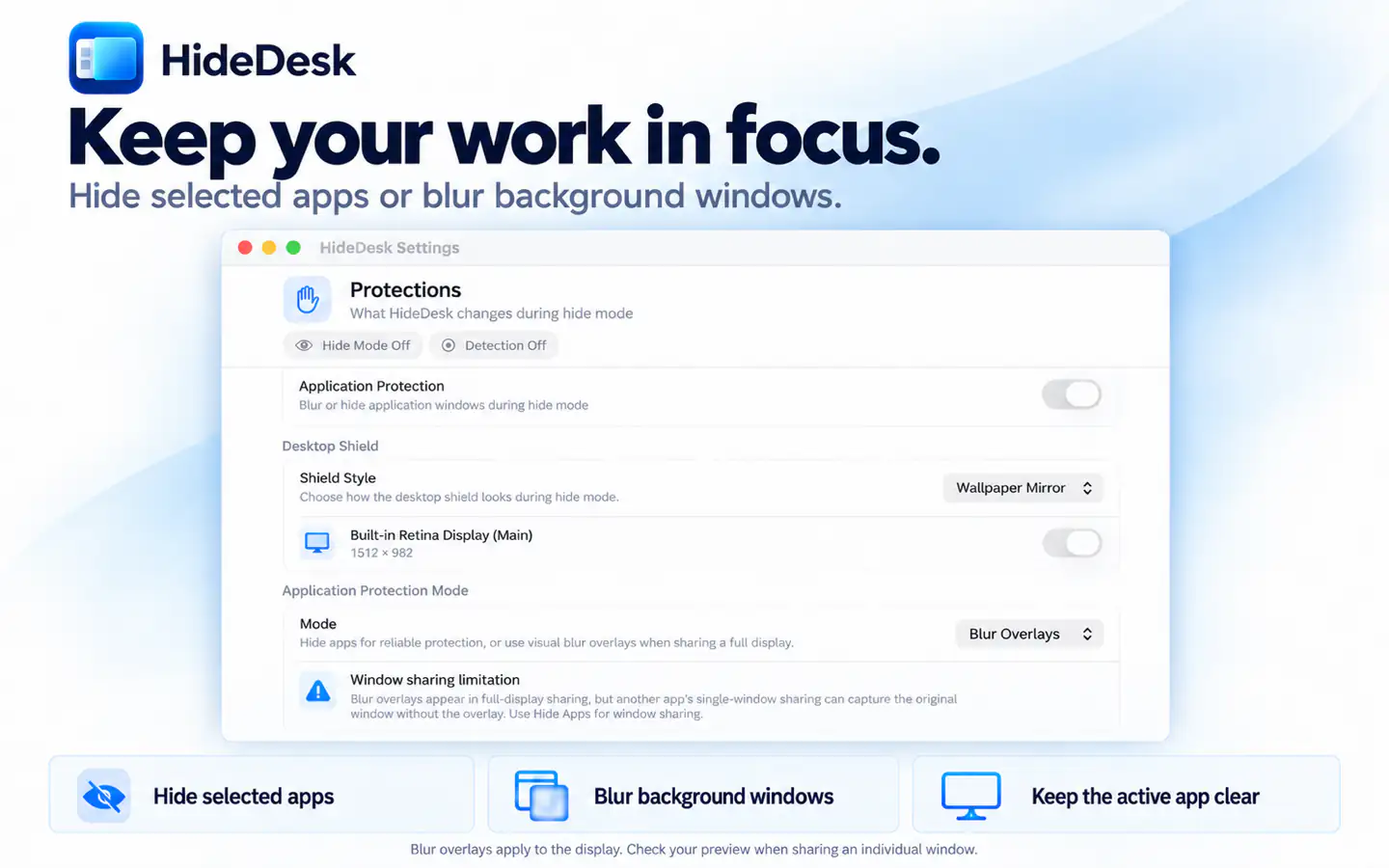
Cover desktop files on the displays you choose, tuck away the Dock, protect exposed app windows, and optionally quiet notifications from one focused control center.
Productivity
HideDesk
macOS
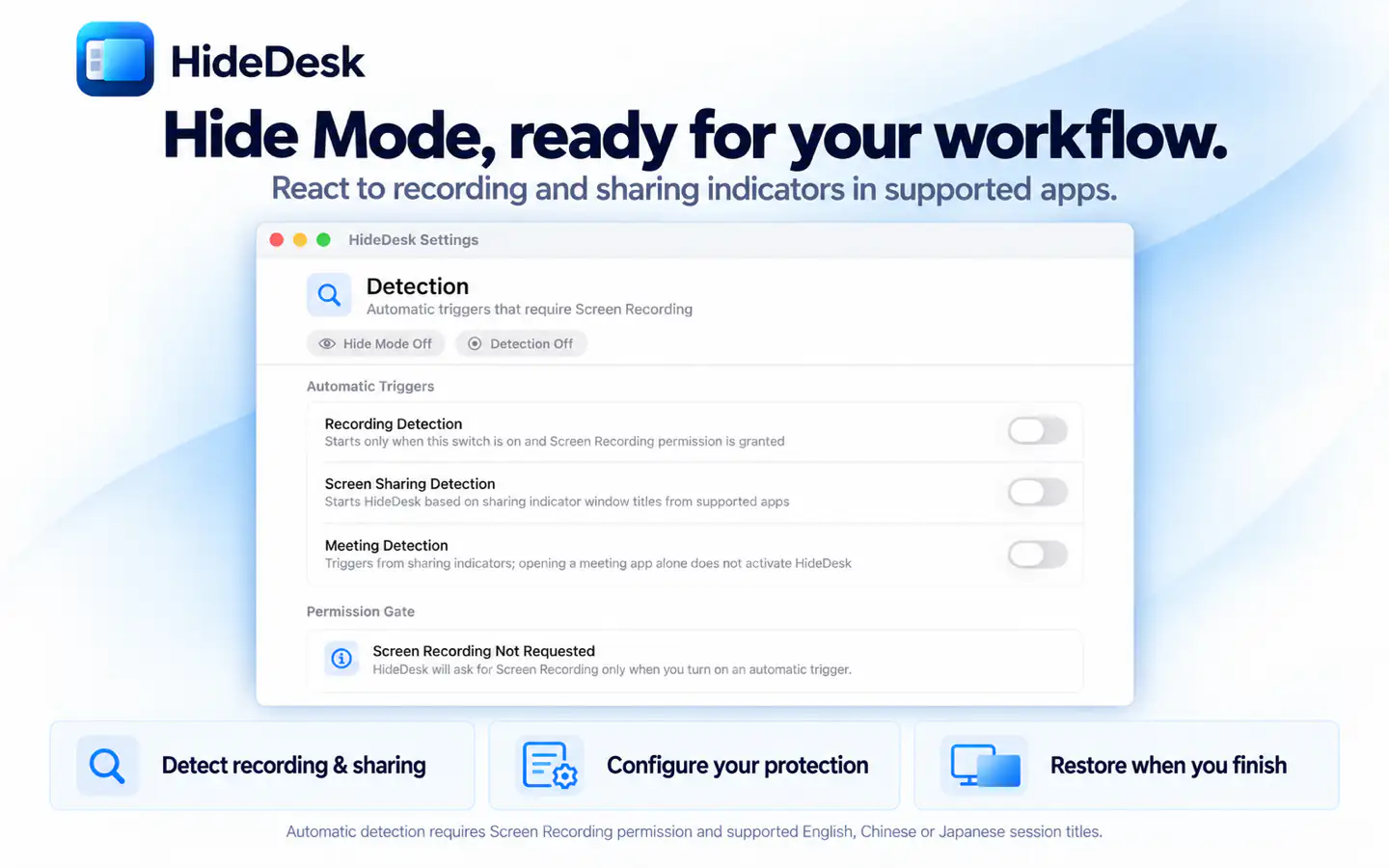
Cover desktop files, tuck away the Dock, protect app windows and notifications, or let optional local detection start Hide Mode when sharing begins.
Requires macOS 14.6 or later.

Everything included
HideDesk comes packed with everything you need to get more done.
HideDesk

Cover desktop files on the displays you choose, tuck away the Dock, protect exposed app windows, and optionally quiet notifications from one focused control center.

Optional on-device detection can react to supported recording and screen-sharing sessions. Screen Recording permission is used only for detection, and Hide Mode still works without it.

Choose exactly which protections run for manual use, recordings, sharing sessions, or meetings. Name rules, set priorities, and keep actions focused on each workflow.

Toggle Hide Mode from the menu bar or a customizable global shortcut without leaving the app you are presenting, teaching from, or recording.

HideDesk saves supported state before changing it, restores it when you finish, and can recover after an unexpected quit. Every Hide Mode feature is included for free.
No in-app purchases, no subscriptions. All features included.
Discover more native apps for Mac, iPhone, and iPad.
Choose where links open, automate your favorite websites, launch desktop apps, and clean common tracking parameters—all from your Mac.
Learn MoreScreenshot editing for Mac, iPhone & iPad. Turn screenshots into long images, extract and translate text, and review private details before sharing. Bring your screenshot workflow together with SuperShot.
Learn MoreConfigurable, traceable watermarks for your Mac desktop, screen shares, recordings, and screenshots, with flexible layers, smart rules, and local processing.
Learn More